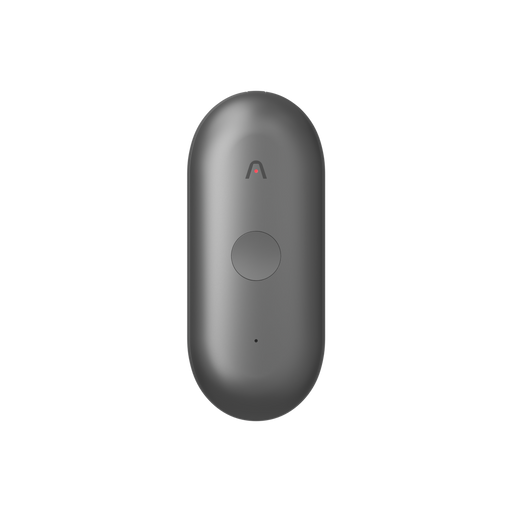


If you use Plaud today, you already know the feeling: your meeting notes turn into something you can actually use.
Plaud helps you go from raw audio to clear summaries, decisions, and action items, and it makes it easy to search and query your meeting context whenever you need it.
At the same time, a lot of work still happens outside of Plaud. People draft project documents in ChatGPT and Claude, ship code in Cursor, and build workflows across the rest of their stack.
So we asked a simple question: what if your other AI tools could have the same meeting context you already have in Plaud?
That’s why, we’re excited to introduce the Plaud MCP server. It lets ChatGPT Web, Claude Desktop, Cursor, Windsurf, and other AI tools securely access your Plaud meetings, so your assistant can answer questions, draft follow-ups, and automate workflows with far better context.
What is the Plaud MCP Server?
MCP (Model Context Protocol) is an open standard that lets AI tools connect directly to external services.
Think of it as a bridge: instead of you manually finding a transcript, copying it into an AI chat, and repeating that process for every new question, your AI tool can retrieve the right Plaud meeting context on demand and act on it.

The Plaud MCP server currently works out-of-the-box with ChatGPT Web, Claude Desktop, Claude Code, Cursor, Windsurf, Gemini CLI, and Zed. Setup takes about 3 minutes.
What you can actually do
The possibilities are endless once, but here are examples of what you can ask your AI assistant once it has context from every meeting you have.
Auto-generate follow-up emails or documents
"Write a follow-up email from my call with Acme Corp yesterday and generate a personalized competitor battle card for Manufacture co.”
Daily to-do list
"Summarize all the to-dos from my meetings today, do preliminary research on the complex topics, and post a digest to Slack."
Full agentic workflows
"For every meeting that is a sales conversation, extract action items and create a task in Asana and update HubSpot."
Get setup in minutes
It only takes a few steps to get setup!
Set up guides: