Plaud Note - Your Smartest AI Notetaker
Features
Specification
Comparison
FAQ

Trusted by over 2 million professionals globally

view more>>
brand logo
view more>>
brand logo
view more>>
brand logo
view more>>
brand logo
view more>>
brand logo
view more>>
brand logo
view more>>
brand logo
view more>>
brand logo
view more>>
brand logo
view more>>
brand logo

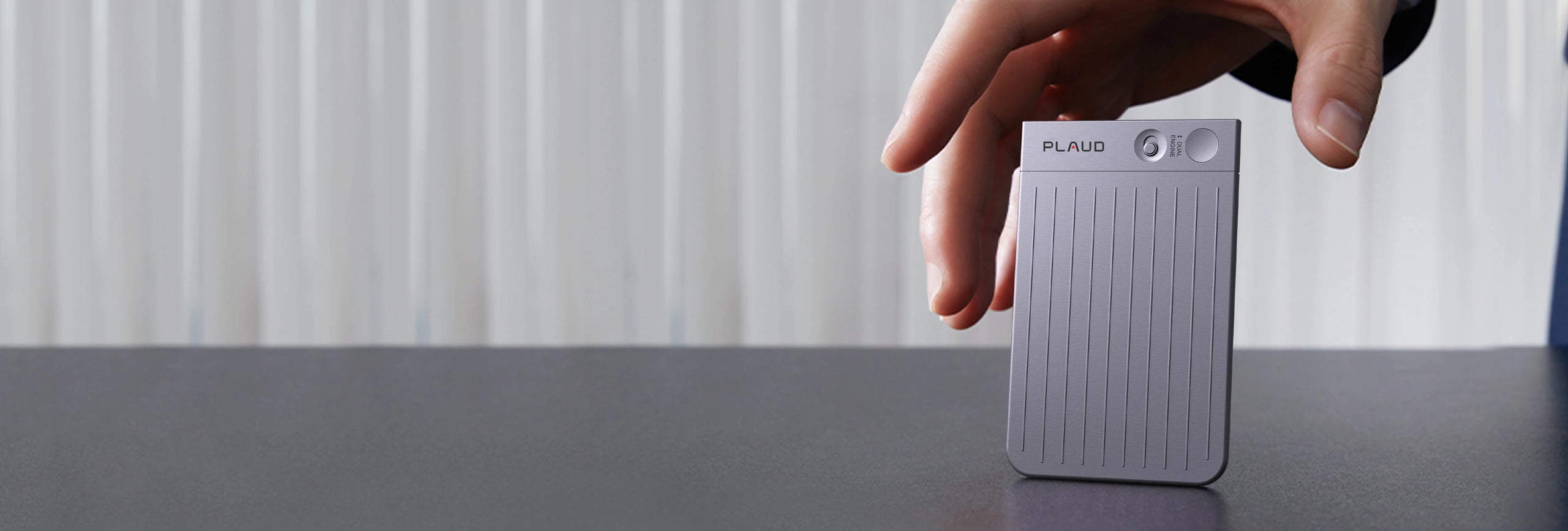
Your credit card-sized AI note taker

Ultra-light and always ready, designed to be
with you everywhere without ever getting in the way.

Dual-mode recording

Seamless recording for in-person meetings and calls

In-preson Recording

Captures ambient sound, perfect for recording in-person interactions.

Phone Call Recording

Attaches to the smartphone through the magnetic case to record.

Amplify your intelligence and maximize your productivity

Save 260hrs/year*


*estimated based on an average of 1hr saved per work day from post-meeting summaries and related work.

Executives

Managers

Sales

Lawyers

Consultants

Educators

Originality and taste as core values

Seamless experience driven by world-class design

Professional AI note taker to maximize productivity

  • Capture
  • Extract
  • Utilize

Capture

Audio | Highlight | Text | Images

Extract

112 Languages | Speaker Labels | AI summaries

Utilize

Ask Plaud | AutoFlow | Integrate, Share & Export

Human-AI alignment in real time

Multimodal input

Capture what you say, hear, see, and think as it happens

Smiling woman talking on a phone with a brown Plaud Note attached, capturing her conversation.
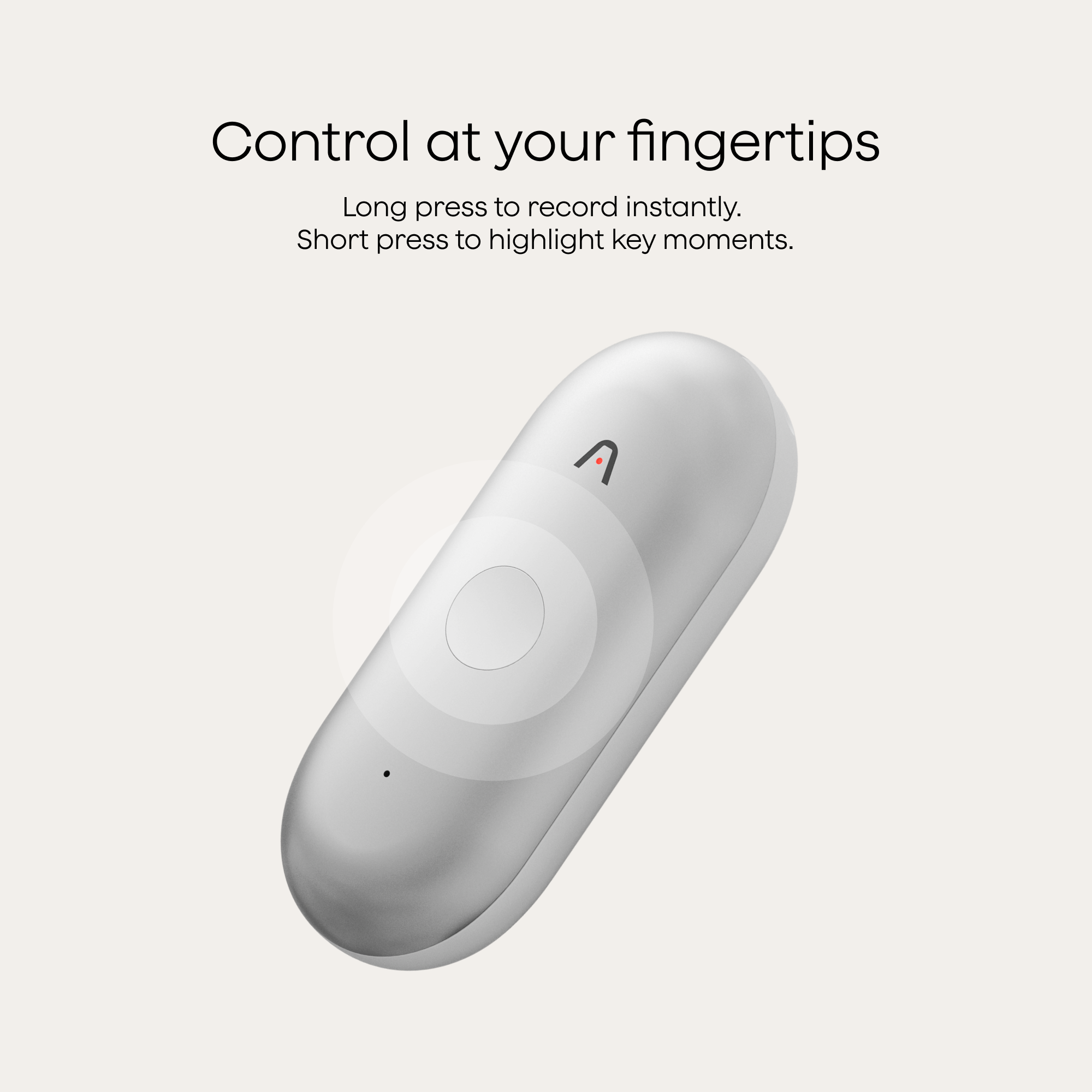
One long-press to record

With one press, Plaud Note instantly records in crystal-clear audio, ensuring every word is preserved.

A hand holds a silver smartphone with a black Plaud Note attached, next to a UI showing a 00:10 recording.
Short-press or tap to highlight

Plaud highlights the moment instantly, signaling to AI what matters most and achieving real-time human–AI alignment, so insights remain accurate, actionable, and aligned with your intent.
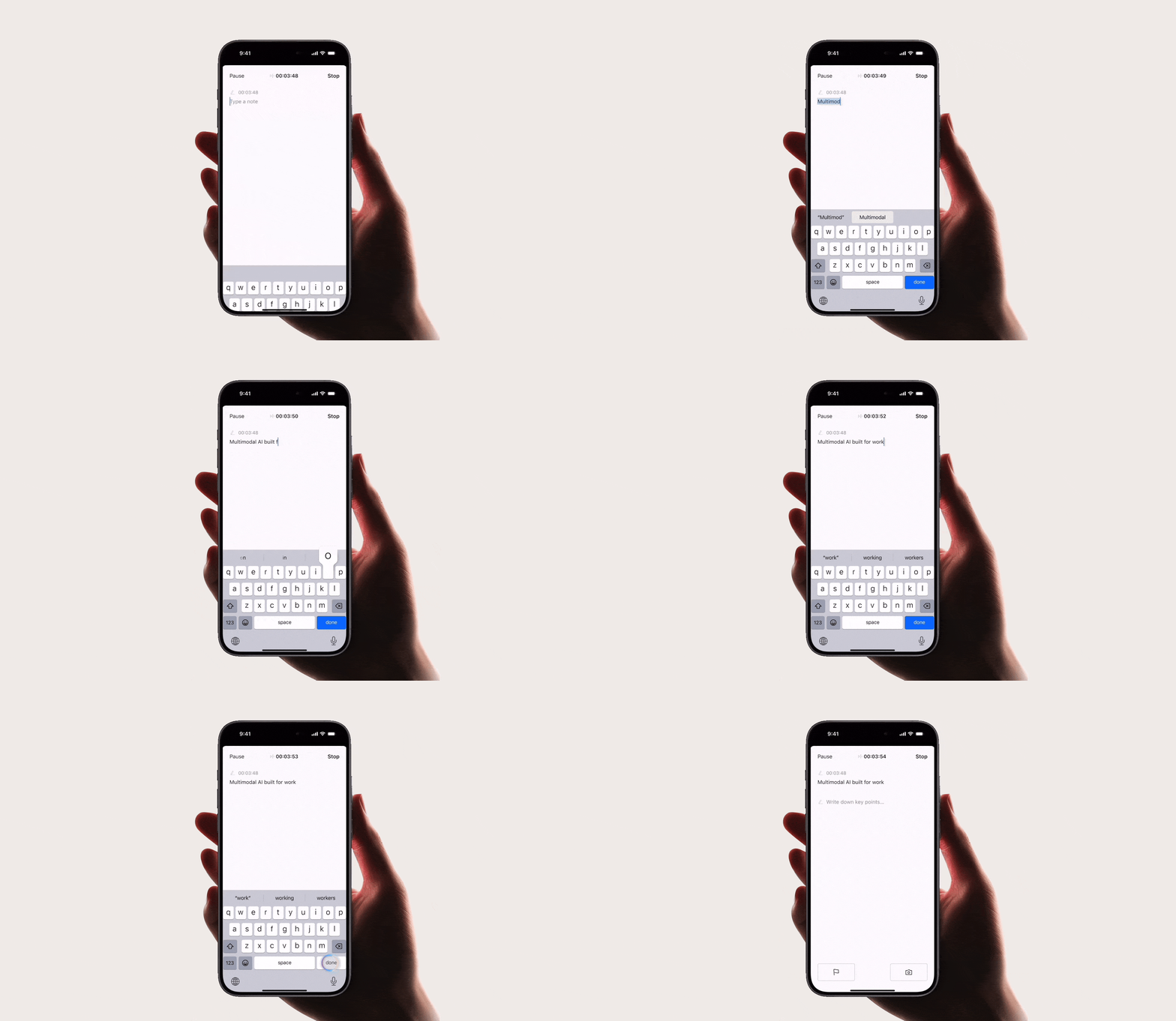
Hand holding a smartphone displaying the Plaud App, showing a recording in progress with a timer and a note input field.
Input text to add context

Your text notes are added into the context instantly, ensuring summaries capture critical details and reflect your intent.
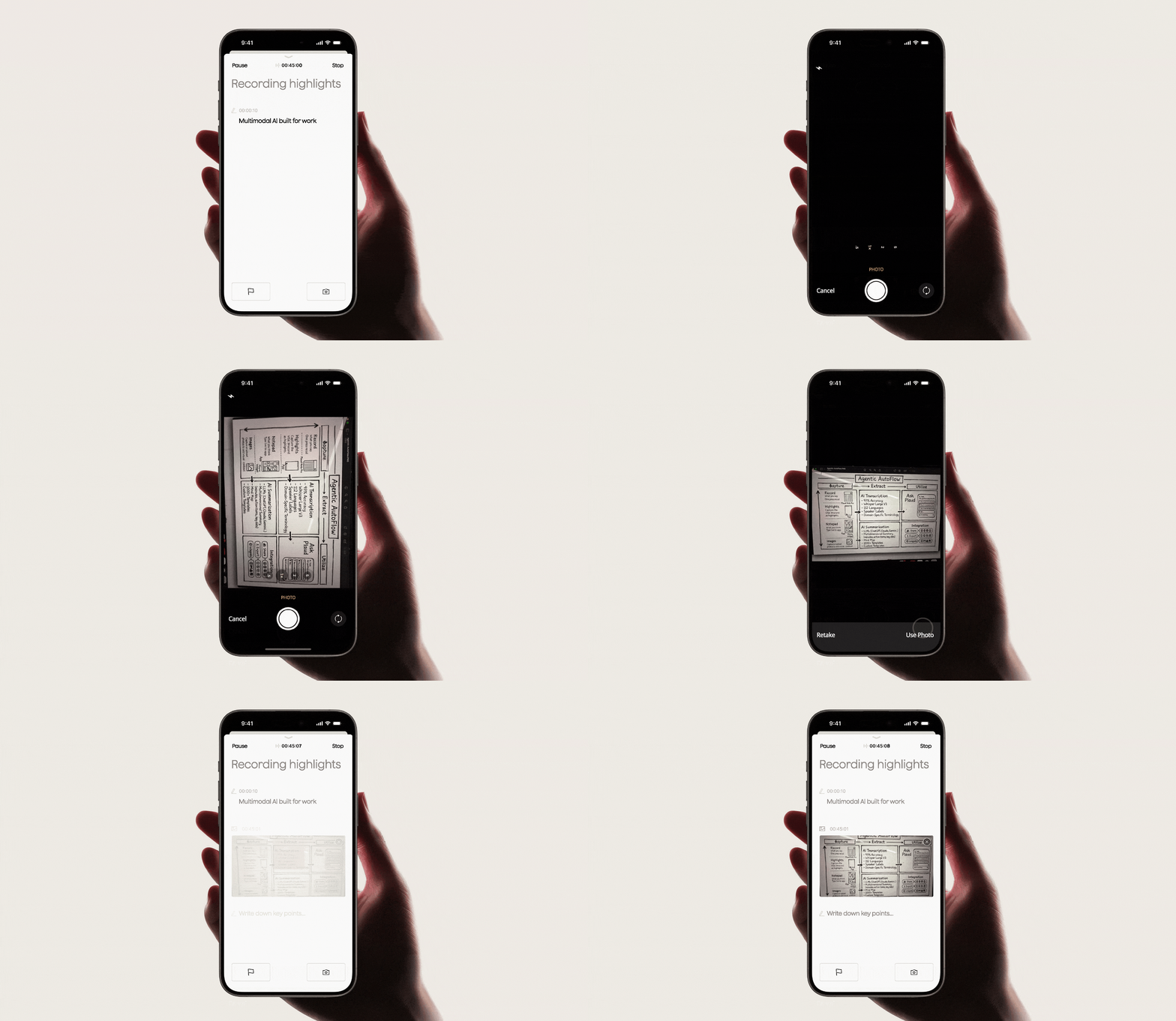
Plaud App on a smartphone, showing 'Recording highlights' with 'Multimodal AI built for work' text.
Enrich context with images

Visuals combine with audio, text, and highlights to create richer context, resulting in more comprehensive summaries and a deeper understanding of every conversation.

  • One long-press to record

    No more missed moments in meetings or calls

    With one press, Plaud Note instantly records in crystal-clear audio, ensuring every word is preserved.
  • Short-press or tap to highlight

    Highlight key moments with a short press

    Plaud highlights the moment instantly, signaling to AI what matters most and achieving real-time human–AI alignment, so insights remain accurate, actionable, and aligned with your intent.
  • Input text to add context

    Type key points when they come to mind

    Your text notes are added into the context instantly, ensuring summaries capture critical details and reflect your intent.
  • Enrich context with images

    Snap a photo of what matters

    Visuals combine with audio, text, and highlights to create richer context, resulting in more comprehensive summaries and a deeper understanding of every conversation.

AI transcription
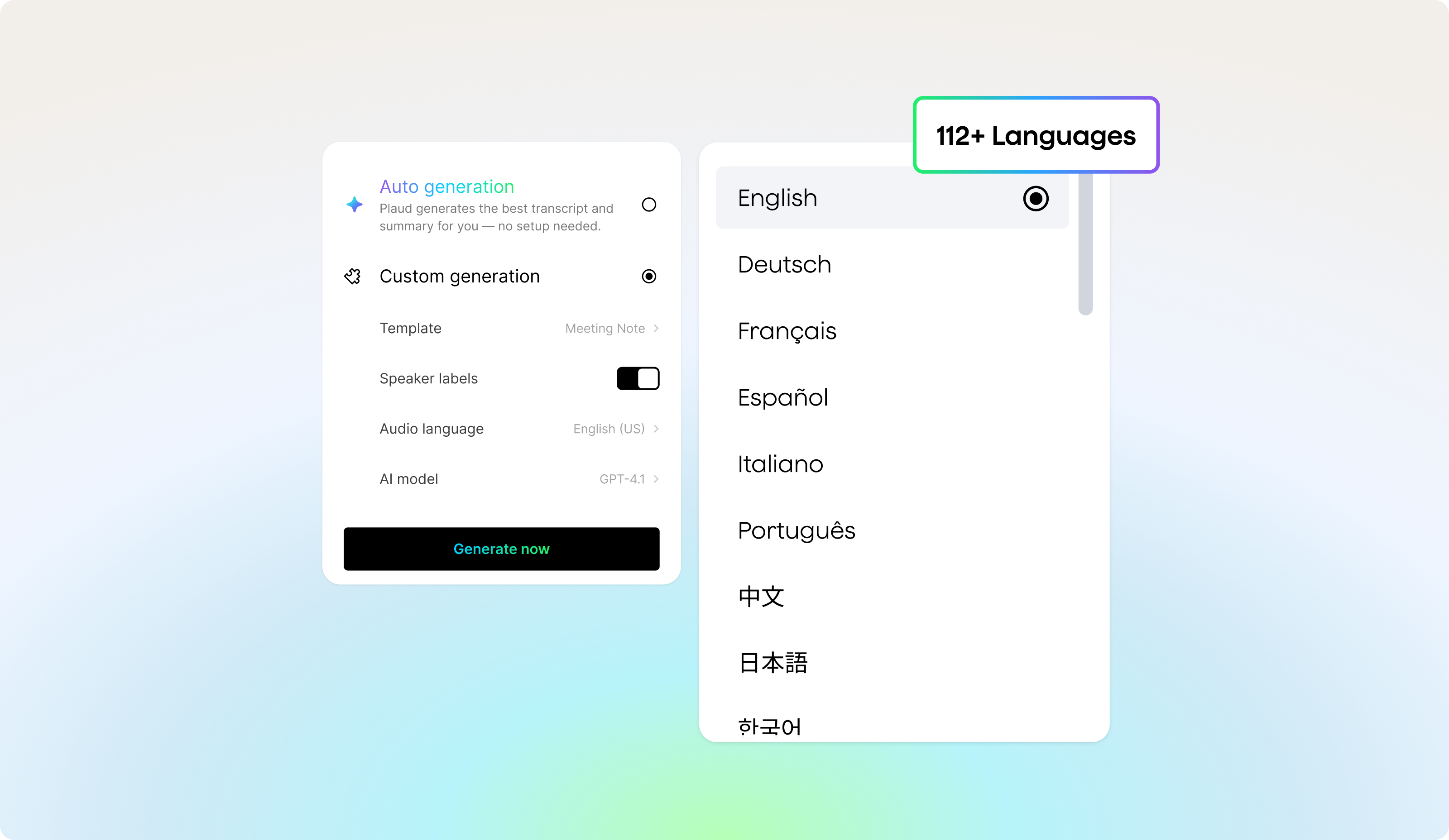
Reliable transcripts, whoever speaks, in any language.
Plaud App UI showing custom generation settings and a dropdown list of 112+ supported languages, with English selected.
Transcribe in 112 languages

Get highly accurate transcripts in 112 languages with speaker diarization, custom vocabulary, and automatic formatting for clearer outputs.
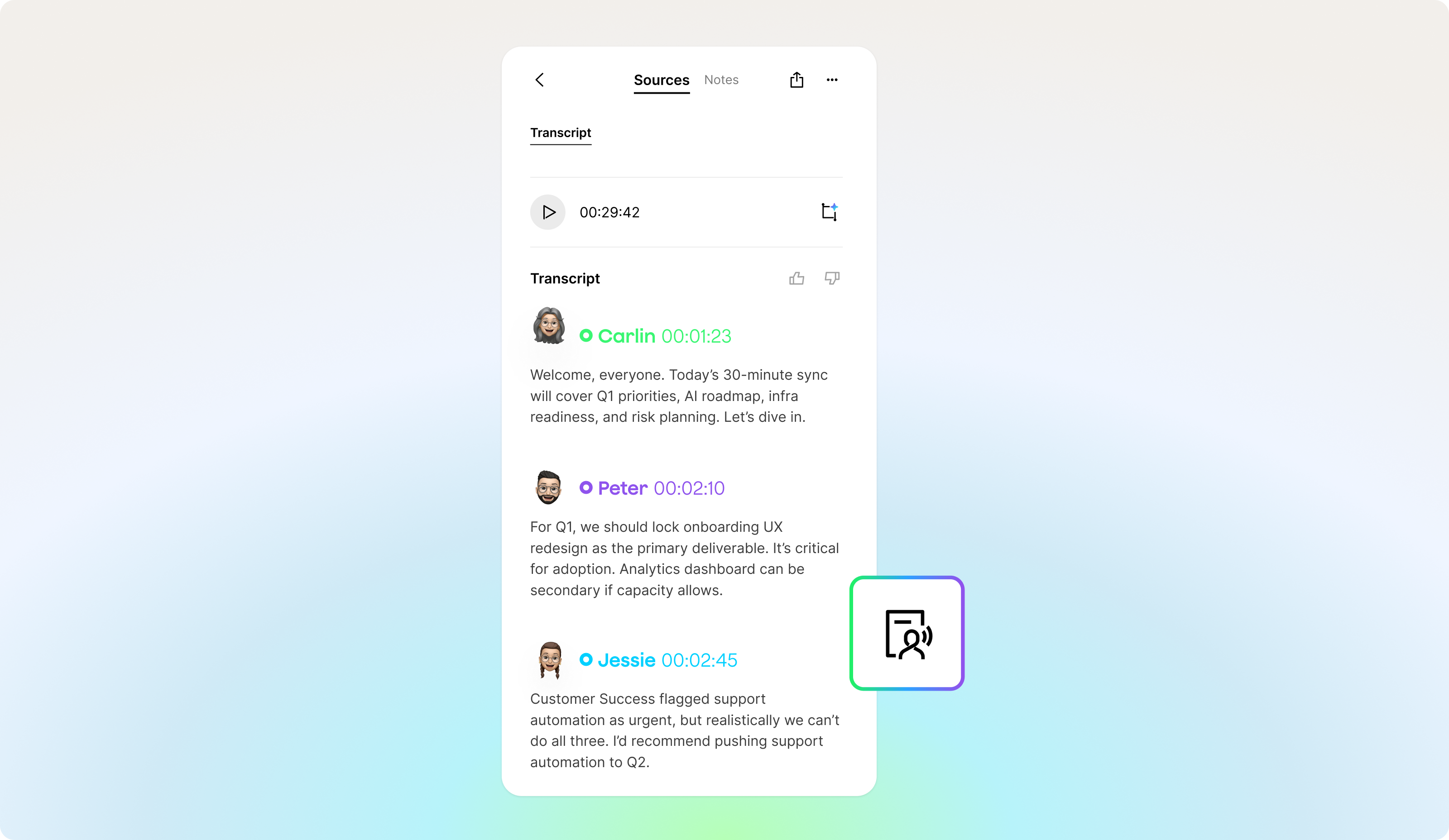
Plaud App UI showing a meeting transcript with speaker identification, timestamps, and a floating icon for AI summary.
Speaker labels

Speaker labels keep every conversation organized, so you always know who said what.

Plaud App UI showing 'Auto generation' selected, leading to a transcript with audio waveform, outline, and text from Plaud No
Auto generation

With Auto Generation, Plaud automatically generates with smart detection of the language and speakers, providing accurate transcripts seamlessly.

Plaud App UI for custom vocabulary, showing
Custom vocabulary

Choose from 10+ built-in glossaries for industries like medical, legal, finance, and more. Plaud prioritizes glossary-matched terms, even with similar pronunciations, so your transcripts remain accurate and aligned with your field.

  • Transcribe in 112 languages

    Industry-leading accuracy in every language

    Get highly accurate transcripts in 112 languages with speaker diarization, custom vocabulary, and automatic formatting for clearer outputs.
  • Speaker labels

    Know who said what

    Speaker labels keep every conversation organized, so you always know who said what.
  • Auto generation

    Instant language and speaker detection

    With Auto Generation, Plaud automatically generates with smart detection of the language and speakers, providing accurate transcripts seamlessly.
  • Custom vocabulary

    Tuned to your industry and vocabulary

    Choose from 10+ built-in glossaries for industries like medical, legal, finance, and more. Plaud prioritizes glossary-matched terms, even with similar pronunciations, so your transcripts remain accurate and aligned with your field.

AI summaries
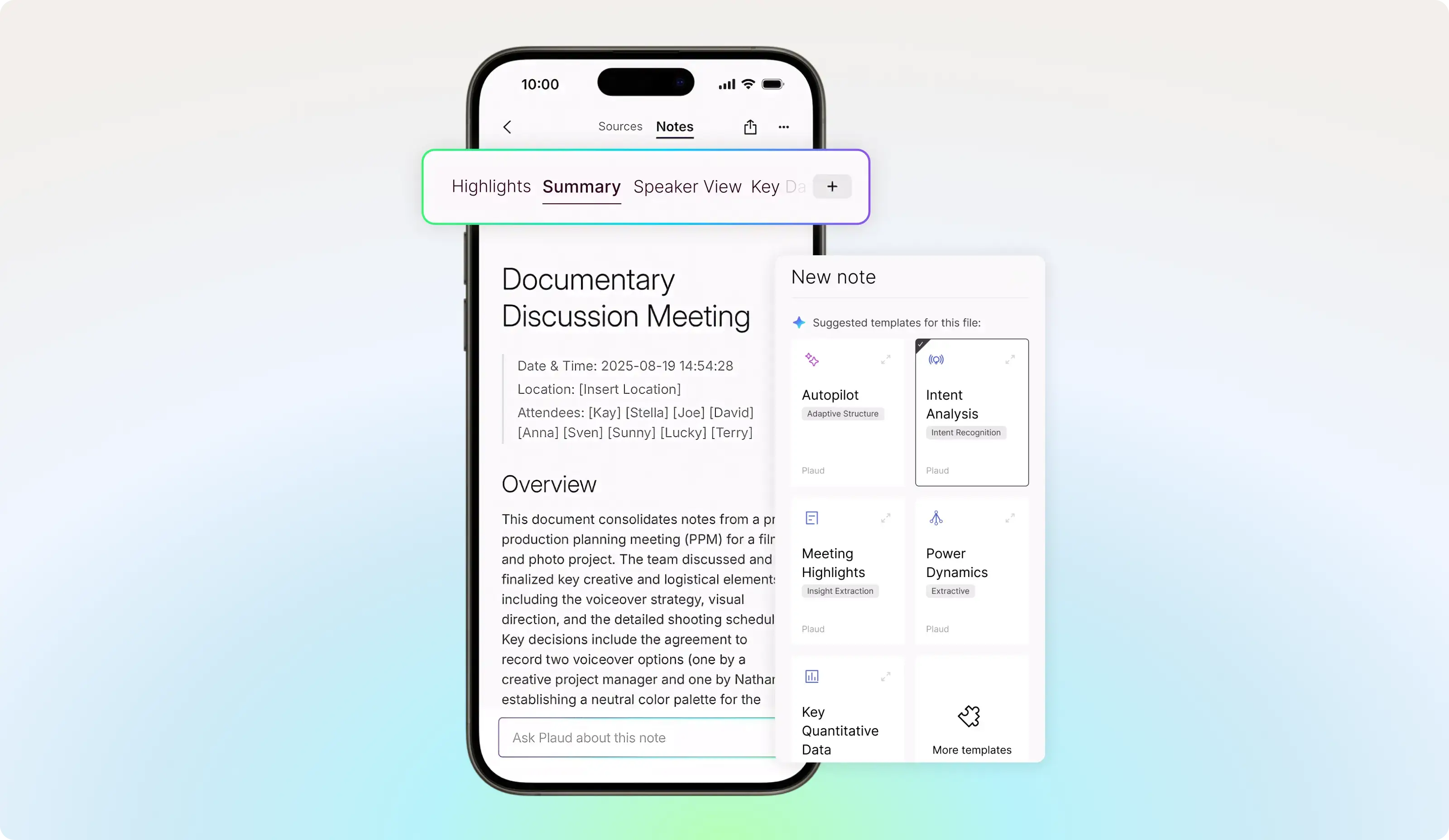
Get the summary you need, every time
Plaud App on a phone displaying a meeting summary and a pop-up with note templates including Autopilot and Intent Analysis.
Add another summary when you need it

Add a new summary for decisions, action items, customer needs, or any other focus. Plaud keeps each view organized without replacing your original summary.
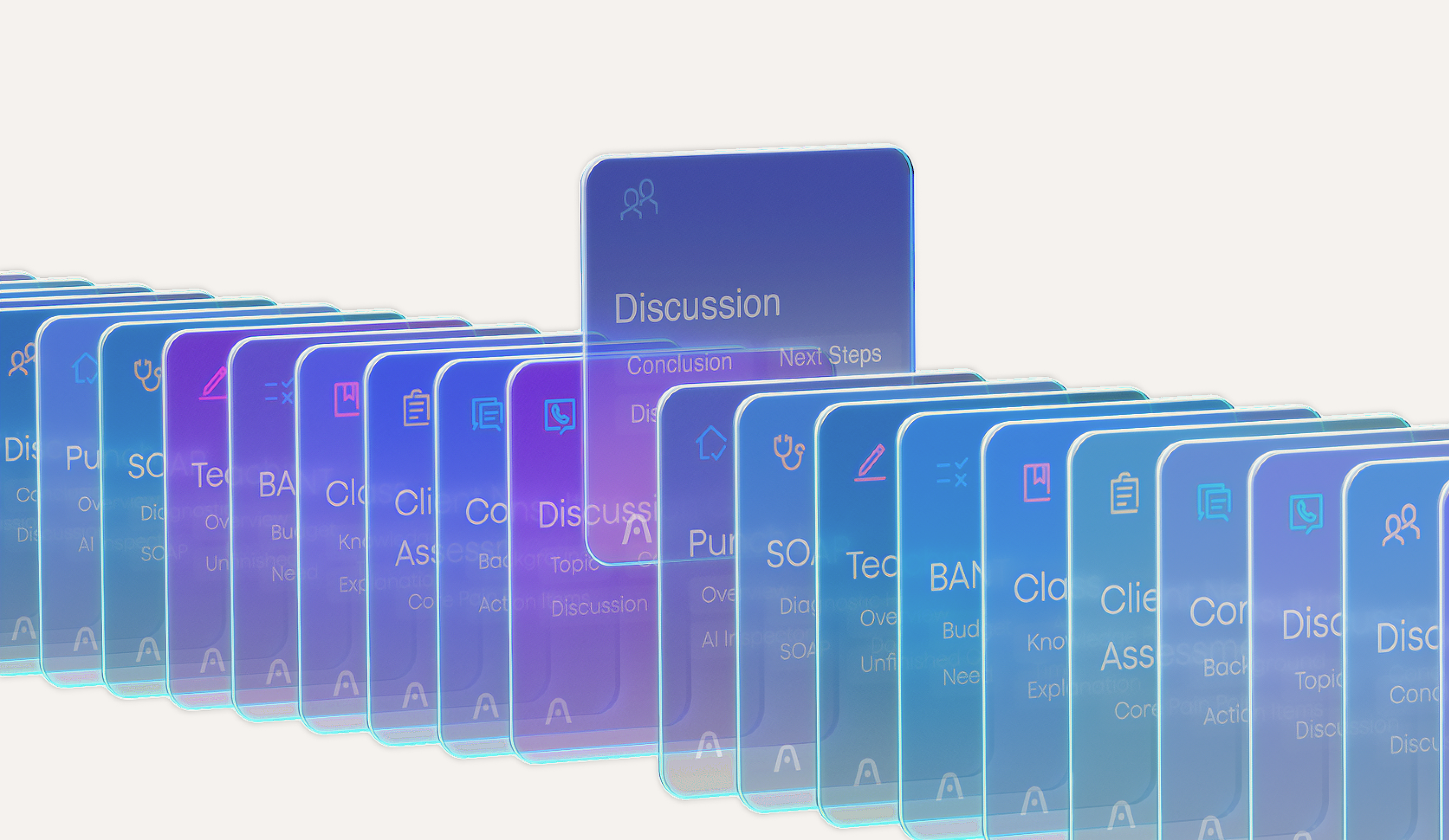
Plaud App UI with glowing cards for various topics, highlighting a 'Discussion' card with 'Conclusion' and 'Next Steps'.
10,000+ summary templates

Choose from thousands of templates built for meetings, sales calls, interviews, research, and thousands of other workflows.

Custom summary templates

Describe what you need or snap a photo of an example. Plaud turns it into a reusable summary template in seconds.

Plaud App/Web interface showing note summary with features to highlight, type thoughts, and snap images.
Add more context to every summary

Plaud brings together the recording, your notes, images, and highlights to create a summary that captures the full picture.

  • Add another summary when you need it

    See the same conversation from a different angle

    Add a new summary for decisions, action items, customer needs, or any other focus. Plaud keeps each view organized without replacing your original summary.
  • 10,000+ summary templates

    Get the right structure for any conversation

    Choose from thousands of templates built for meetings, sales calls, interviews, research, and thousands of other workflows.
  • Custom summary templates

    Make every summary work your way

    Describe what you need or snap a photo of an example. Plaud turns it into a reusable summary template in seconds.
  • Add more context to every summary

    Get a summary that reflects the full context.

    Plaud brings together the recording, your notes, images, and highlights to create a summary that captures the full picture.

Ask Plaud
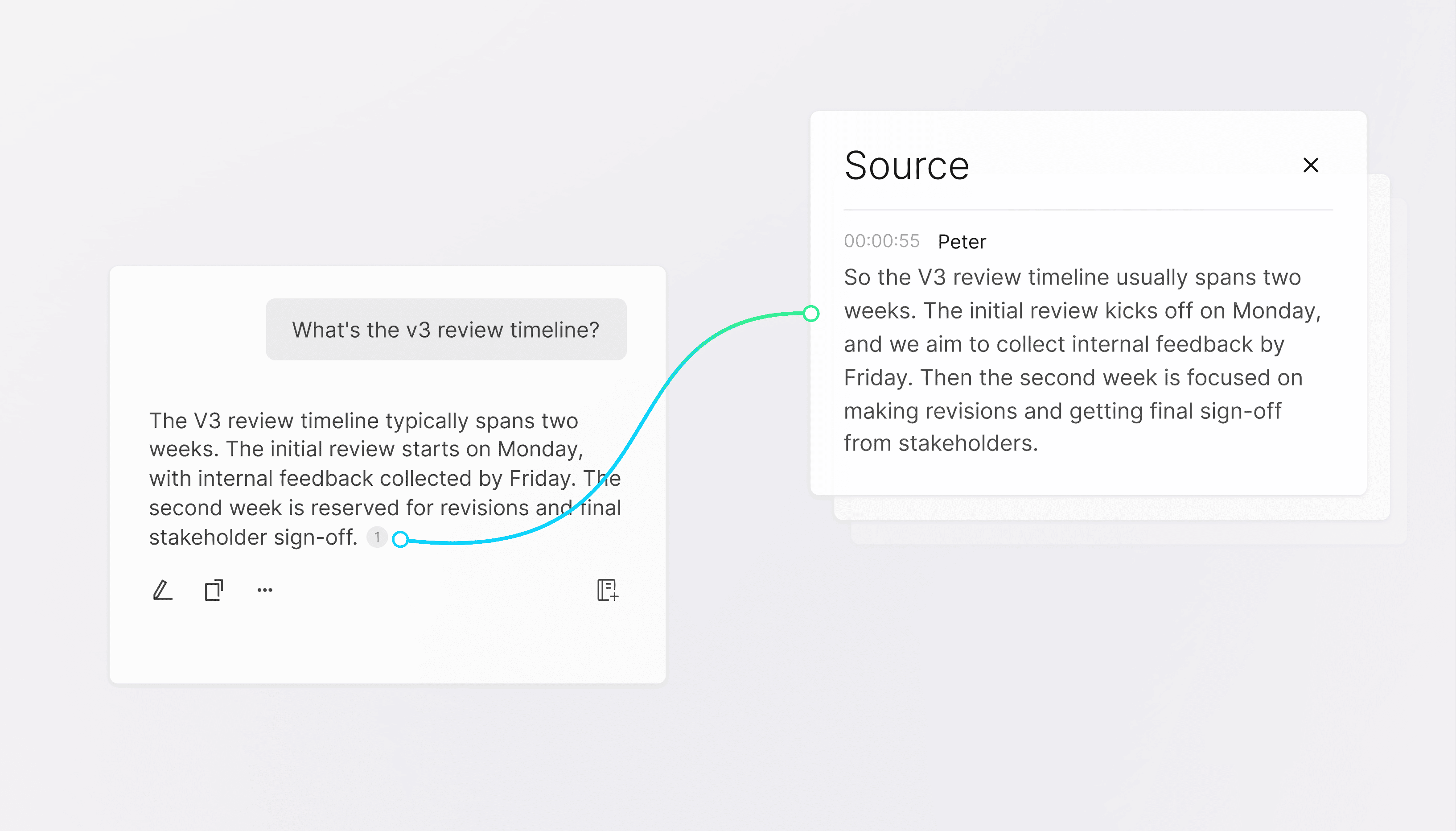
Turn every question into a trustworthy answer
Plaud App UI showing a summarized answer to 'What's the v3 review timeline?' linked to its source transcript.
Reference-based answers

Each one is grounded in references and traceable back to your original audio, so Ask Plaud is always trustworthy, accurate, and free from hallucinations.
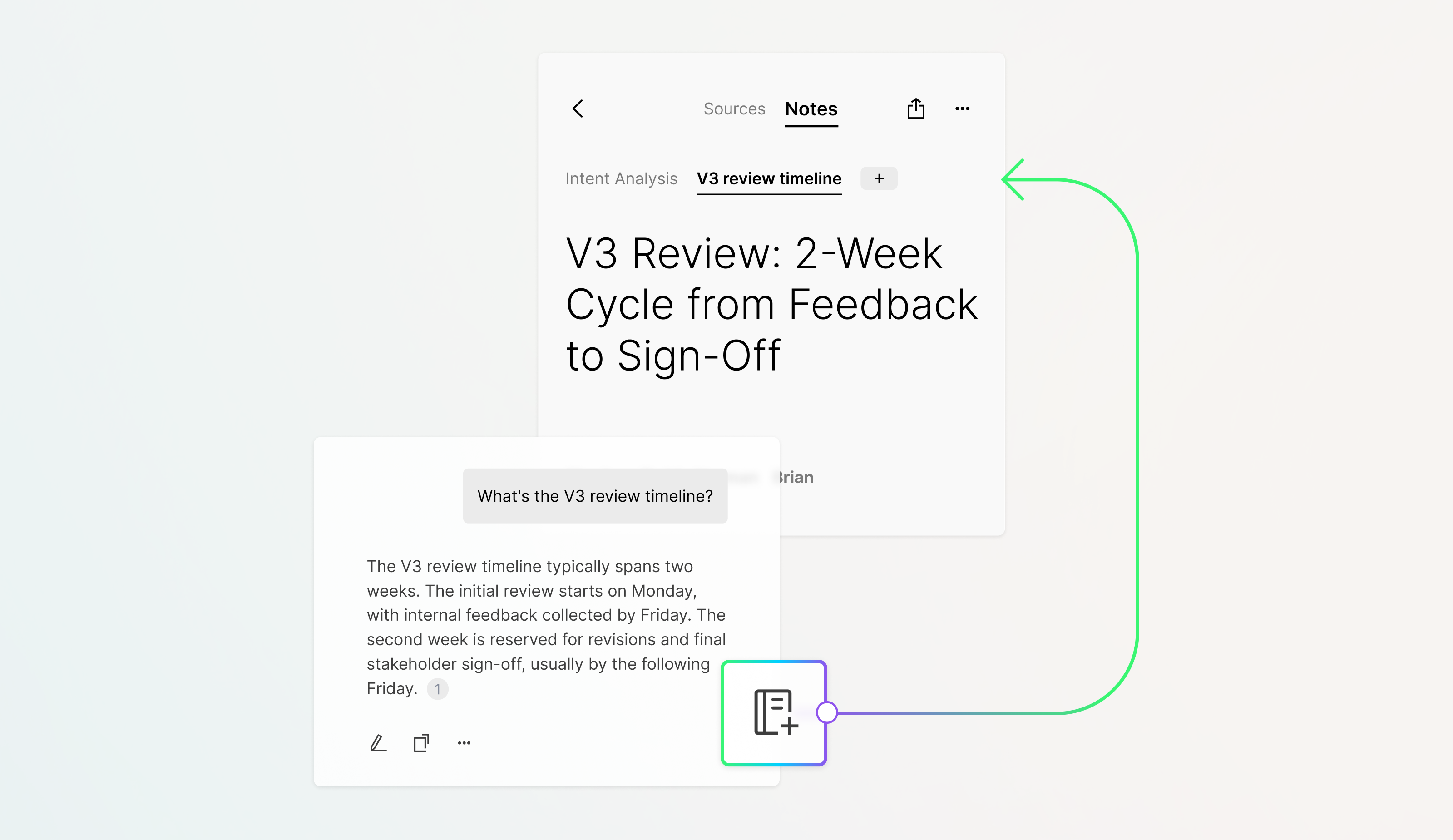
Plaud App UI showing a 'V3 Review' document with a 'Notes' tab open, linked to an extracted note about the review timeline.
Save answer as a note

Each one is saved as a note with full context and always accessible, so you can return anytime, build on the same thread with new questions, and let your insights grow continuously.
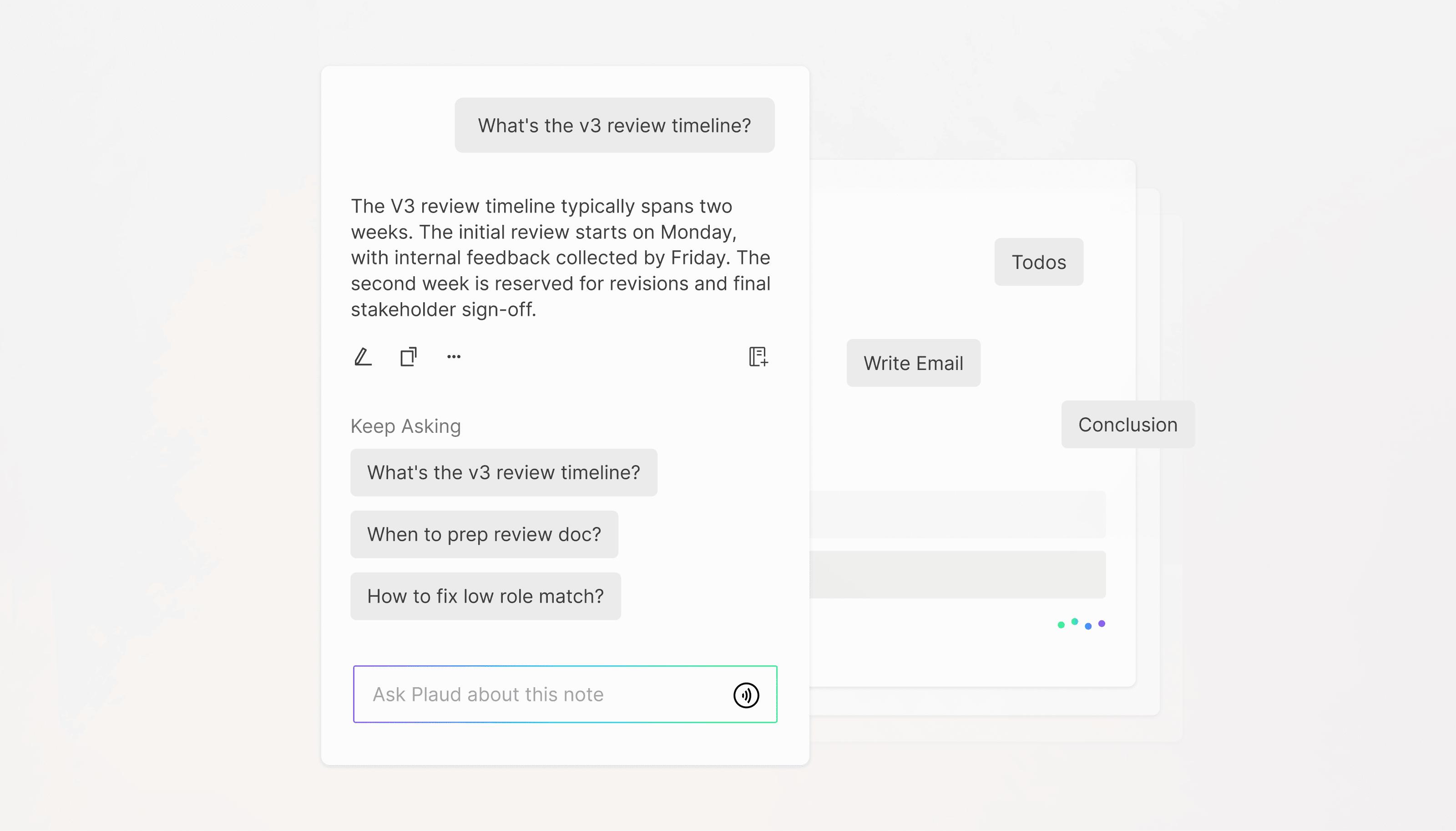
Plaud App UI showing an AI-generated answer to
Smart suggestions

The system surfaces meaningful perspectives around your query, helping you uncover deeper insights and build a more complete understanding with less effort.
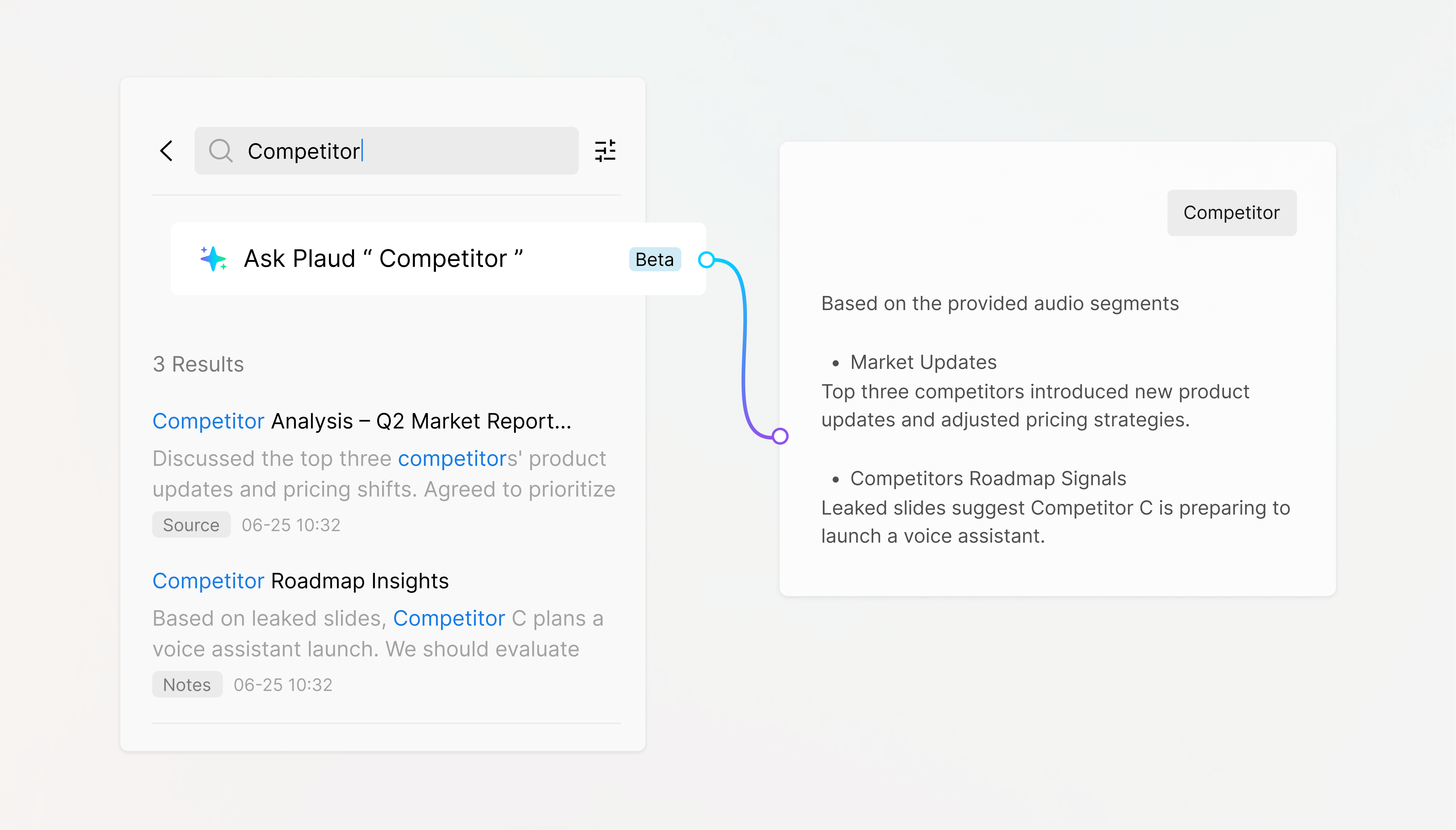
Plaud Web UI showing search for
Global search

Plaud discovers patterns and causation across multiple files, giving you the intelligence to make better, more informed decisions.

  • Reference-based answers

    Get answers that you can trust

    Each one is grounded in references and traceable back to your original audio, so Ask Plaud is always trustworthy, accurate, and free from hallucinations.
  • Save answer as a note

    Keep answers in one step

    Each one is saved as a note with full context and always accessible, so you can return anytime, build on the same thread with new questions, and let your insights grow continuously.
  • Smart suggestions

    Ask a question and get guided further

    The system surfaces meaningful perspectives around your query, helping you uncover deeper insights and build a more complete understanding with less effort.
  • Global search

    Ask across files

    Plaud discovers patterns and causation across multiple files, giving you the intelligence to make better, more informed decisions.

Turn individual efforts into collaborative works

Export. Share. Integrate.

Export recordings, transcripts, summaries, and mind maps with complete control over what you keep and share. Share files in just a few clicks, with support for more than 27 formats.

*More integrations coming soon.

Plaud App on a smartphone showing share and export options, with integrations for Google, Zoom, Slack, and Zapier.

AutoFlow

Effortlessly automate transcription, summarization, and delivery
Automatic audio transfer

Your audio transfers automatically from Plaud Device to Plaud App.

Instant processing

Auto-generation of transcripts and summaries using AI-selected languages, templates, and LLMs.

Automatic email delivery

Automatically sends the transcript and summary to the pre-set email address.

Capture, store, and access anywhere, anytime
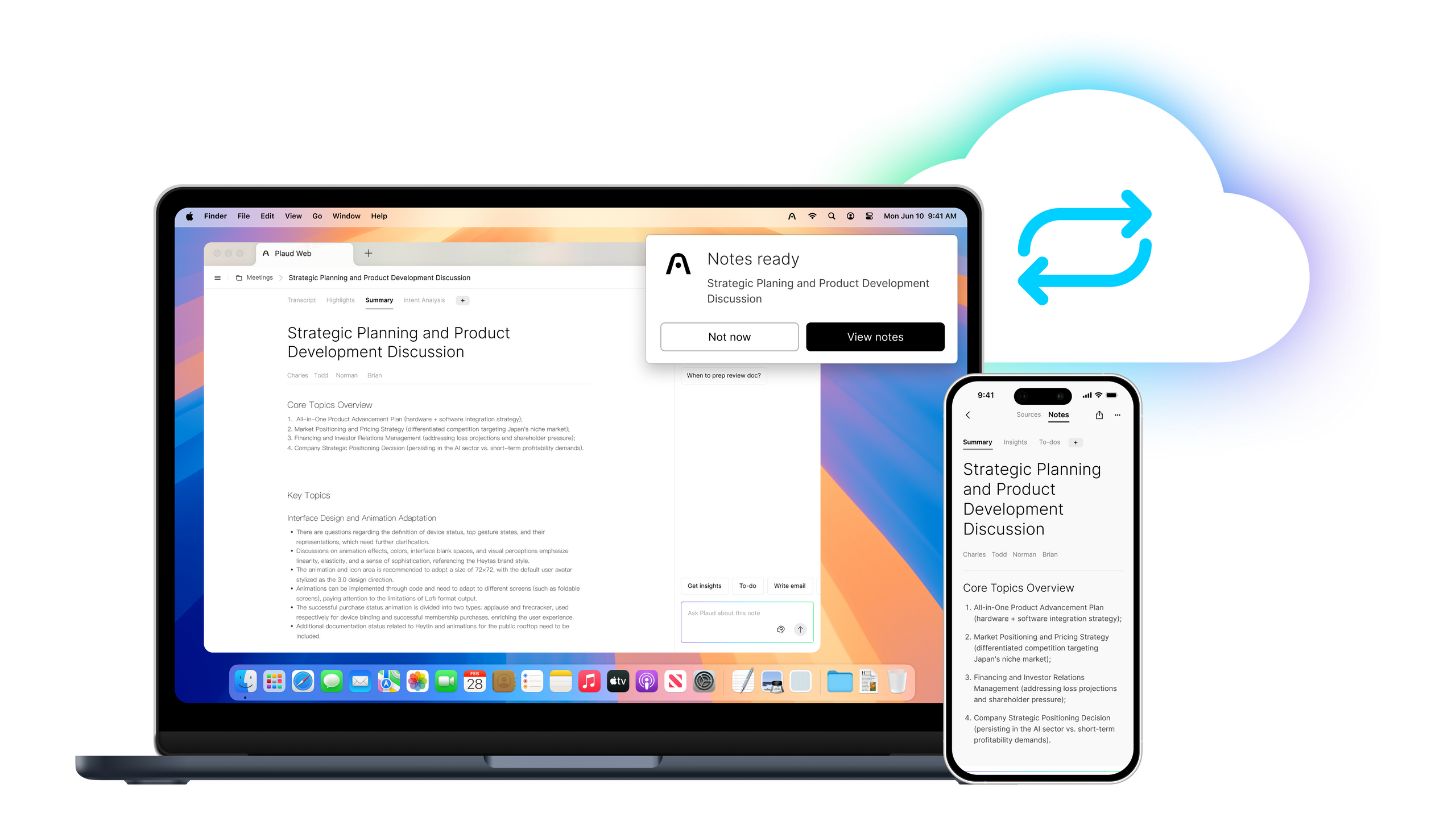

Record on Plaud AI note taker and access your recordings, transcripts, and summaries on the app, web, and desktop, with unlimited storage on a secure cloud.

Smarter notes, powered by deep thinking

Frontier AI Models

Plaud Intelligence is developed on leading AI models including GPT-5.5, Gemini 3.1 Pro, Claude Sonnet 4.6, and more.

Plaud AI Plans

Unlock Plaud Intelligence’s full AI capabilities with the Pro or Unlimited plan

Disclaimer: Some features may not be available in all regions at launch and will roll out in future updates.

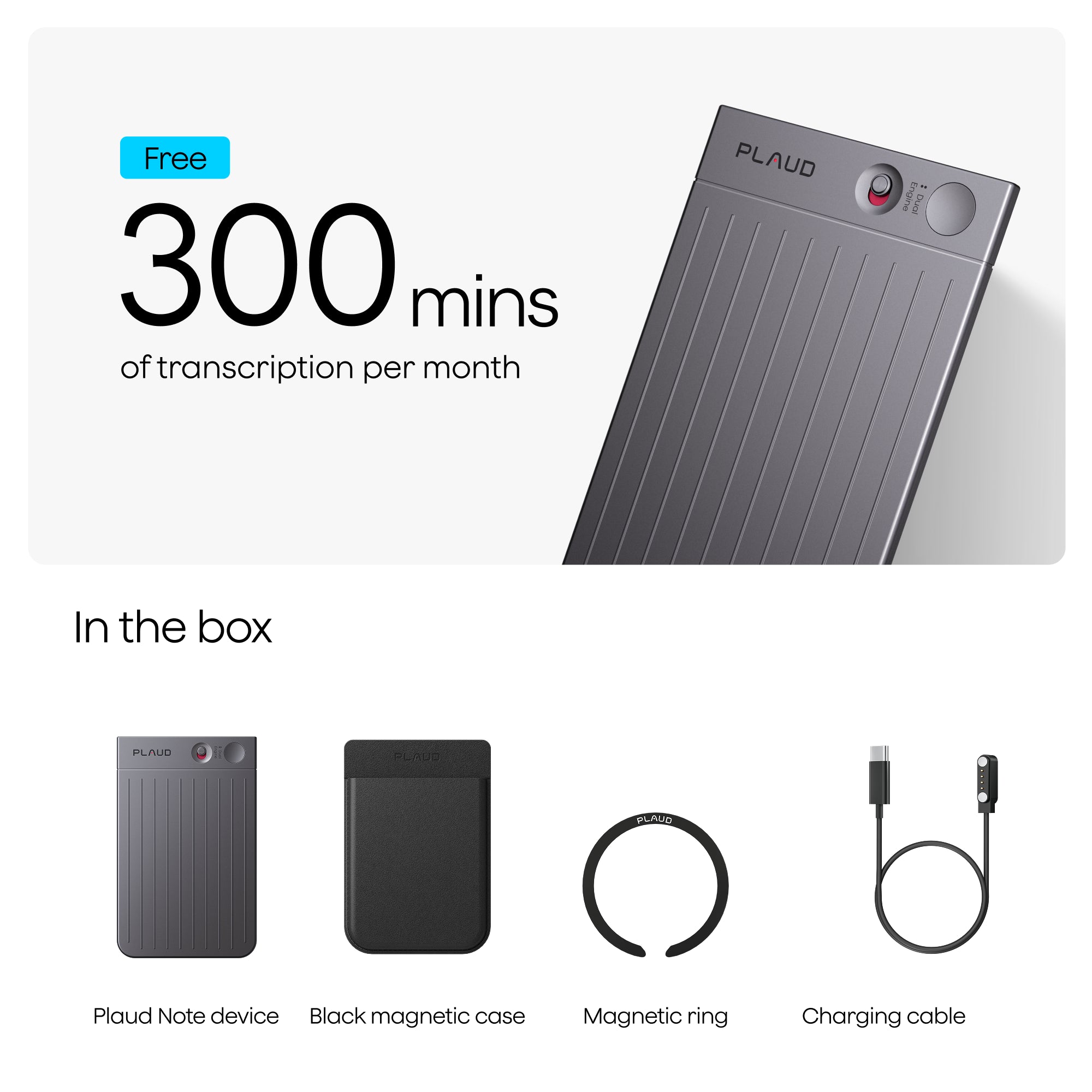
What's in the box

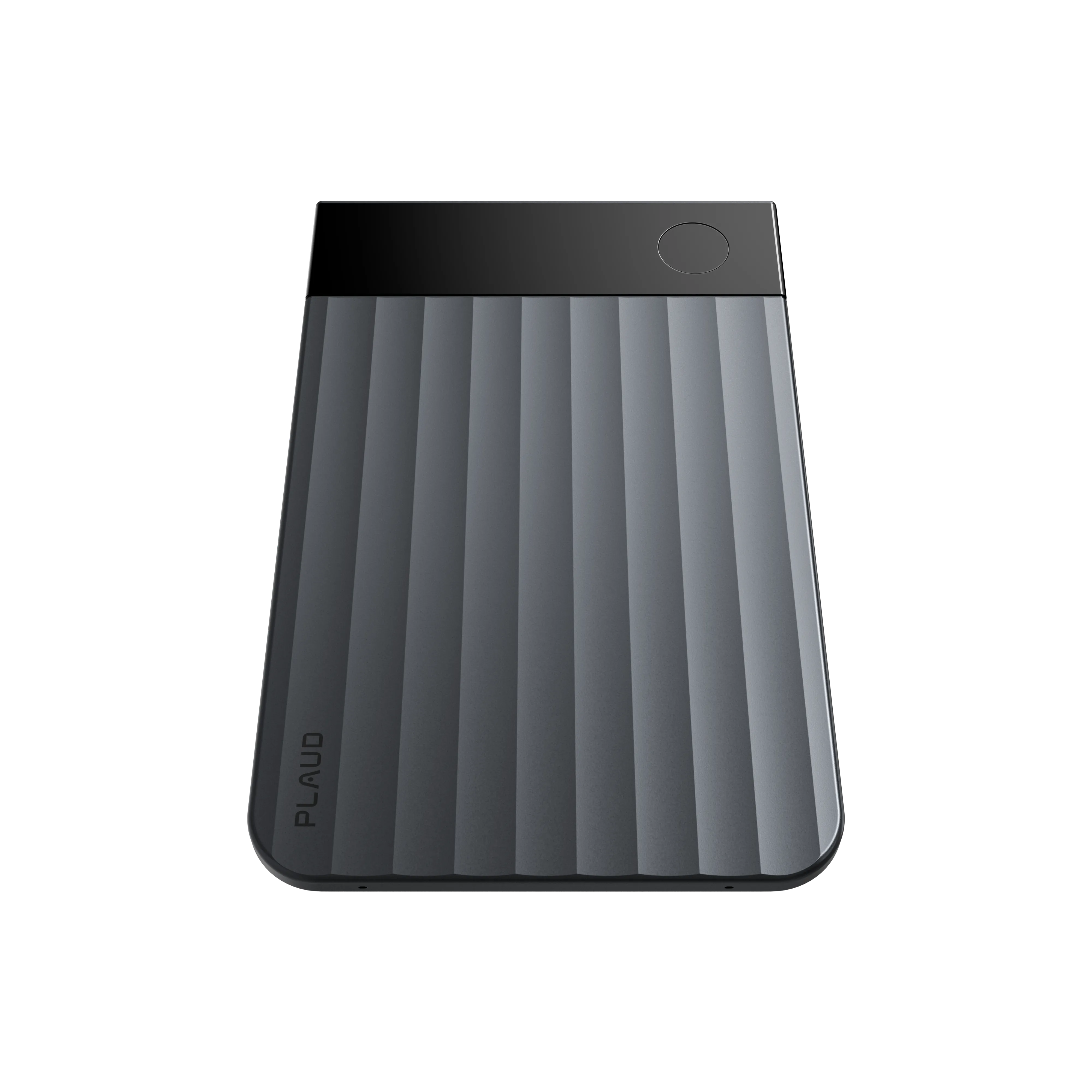
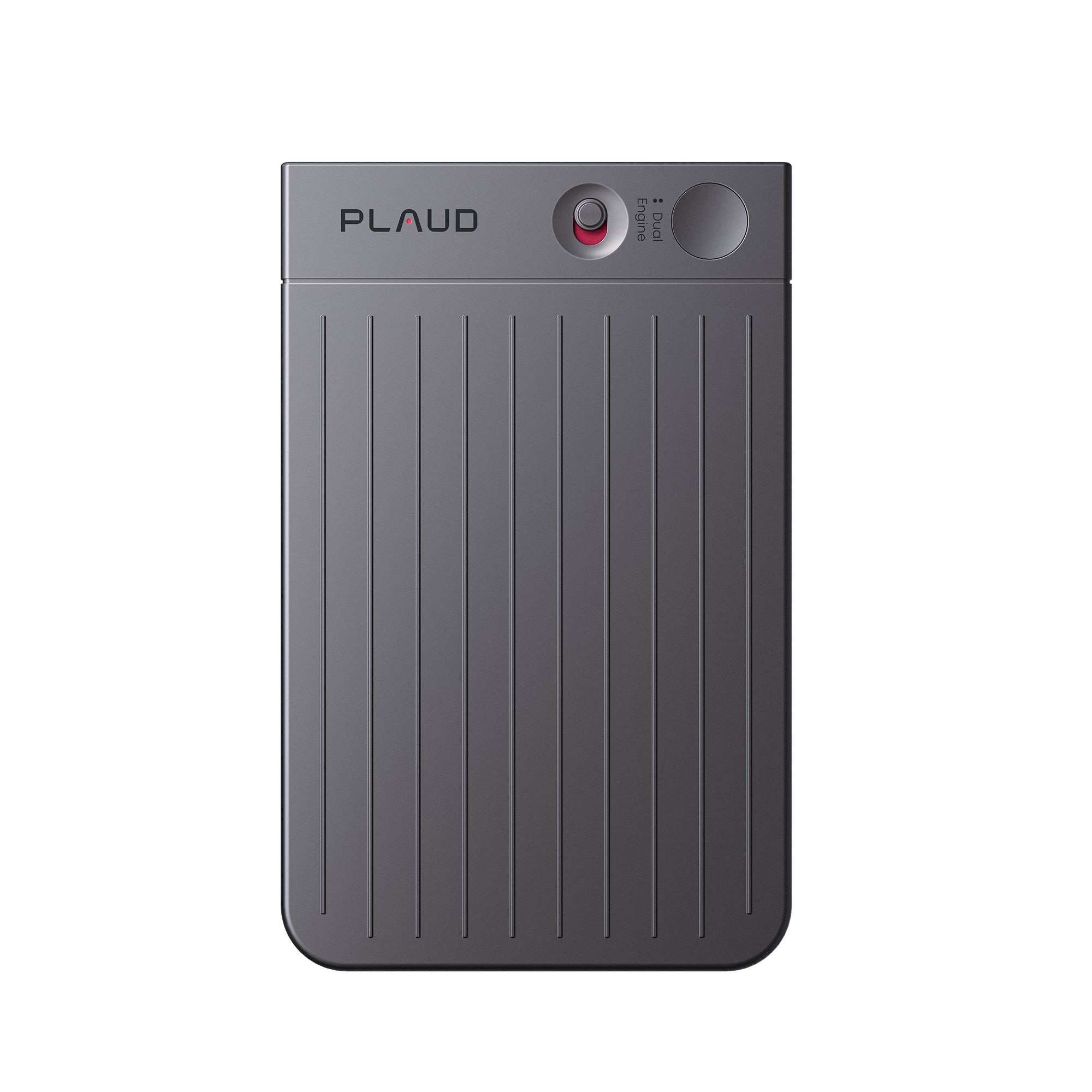
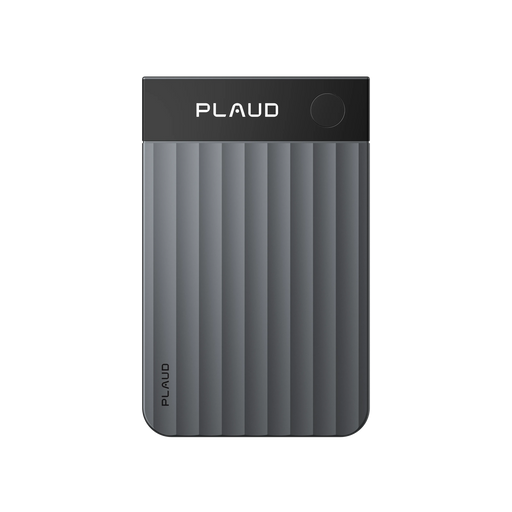
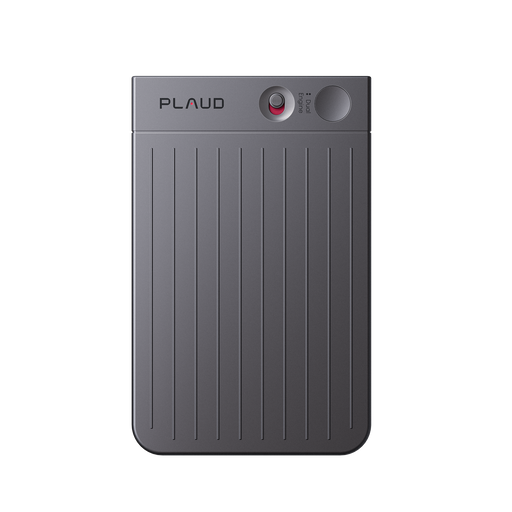
Plaud Note AI voice recorder in dark gray, showing its ribbed texture and small screen with a red indicator light.

Plaud Note

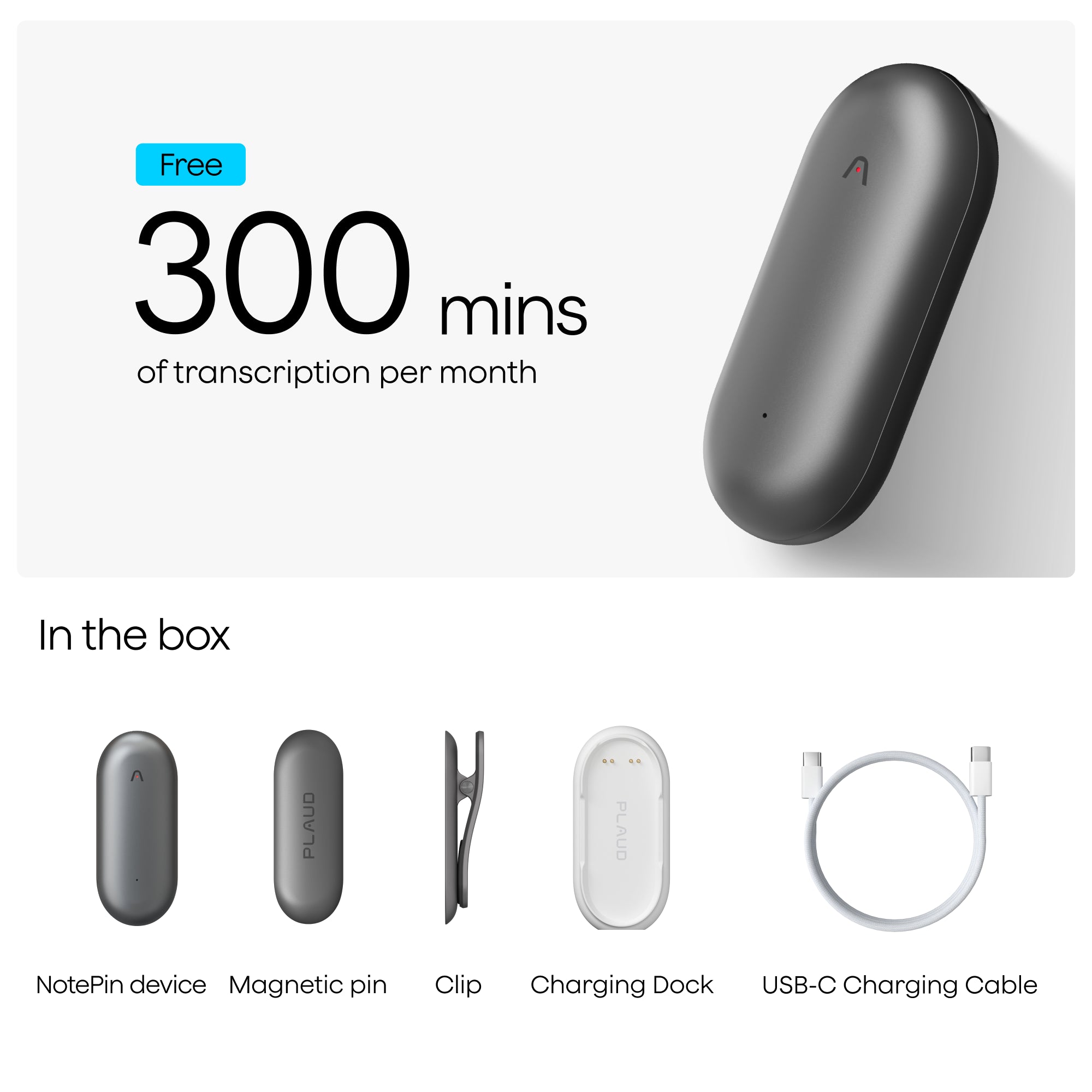
Monthly Free Transcription Quota
Black Plaud Note Pro protective sleeve with the Plaud logo embossed at the top.

Magnetic Case

Magnetic Ring

Charging Cable

Specification
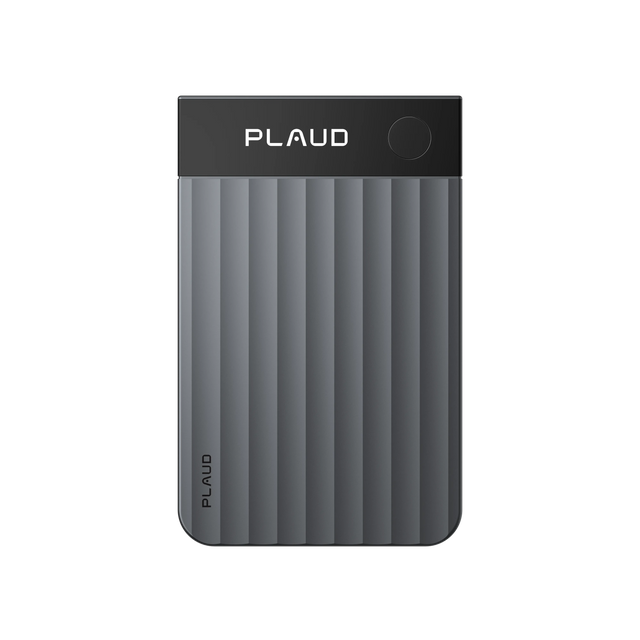
Dimensions

85,6 x 54,1 x 2,99 mm

Weight

30 g

Battery

400mAh

Connect

BLE 5,2/Wi-Fi

Microphone

2 MEMS, 1 VPU

Charging Time

2 hours

Storage

64G

Effective Recording Range

Up to 3m

Plaud Note Pro

Ideal for teams & professionals needing clarity in larger spaces

Plaud Note Pro
€189.00
€189.00 upon official release
Learn More

Plaud Note

Ideal for hybrid work, calls, and meetings anywhere

Plaud Note
€169.90
€169.90 upon official release
Learn More

Plaud NotePin S

Ideal for hands-free, in-person conversations

Plaud NotePin S
€179.00
€179.00 upon official release
Learn More

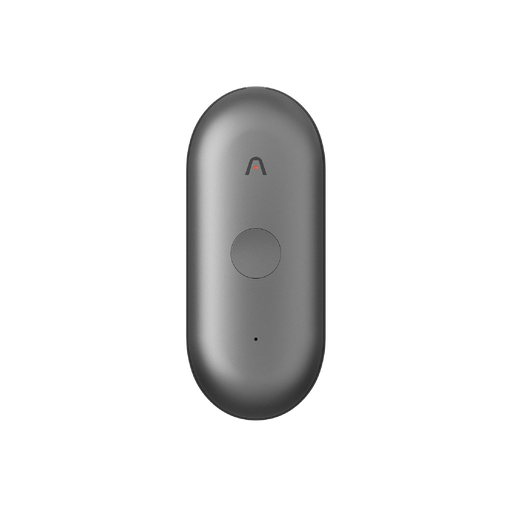
Plaud NotePin

Ideal for hands-free, in-person conversations

Plaud NotePin
€169.90
€169.90 upon official release
Learn More
Plaud Note Pro

Plaud Note Pro

€189.00
€189.00 upon official release
Plaud Note

Plaud Note

€169.90
€169.90 upon official release
Plaud NotePin S

Plaud NotePin S

€179.00
€179.00 upon official release
Plaud NotePin

Plaud NotePin

€169.90
€169.90 upon official release
constrict >>

Audio pickup range

Up to 5 meters

Up to 3 meters

Up to 3 meters

Up to 3 meters

Number of microphones

4 MEMS, 1 VPU

2 MEMS, 1 VPU

2 MEMS

2 MEMS

Record button

Tactile button

Tactile button

Tactile button

Pressure-sensitive button

Press to highlight

Available

Available

Available

--

Recording modes

Smart dual-mode recording: Automatically switch between calls & meetings

Dual-mode recording: Switch between phone calls & meetings

In-person

In-person

Display

InstantView display with AMOLED technology

--

--

--

Battery life

500mAh Enhance mode: Up to 30 hours of continuous recording, 60 standby days Endurance mode: Up to 50 hours of continuous recording, 60 standby days

400mAh Up to 30 hours continuous recording, 60 days standby

320mAh Up to 20 hours continuous recording, 40 days standby

270mAh Up to 20 hours continuous recording, 40 days standby

Internal storage

64GB

64GB

64GB

64GB

Apple Find My

Available

--

Available

Available

File transfer options

Bluetooth (BLE 5.4) Dual-band Wi-Fi (2.4GHz & 5GHz)

Bluetooth (BLE 5.2) Wi-Fi (2.4GHz)

Bluetooth (BLE 5.2) Wi-Fi (2.4GHz) Upload to cloud while charging

Bluetooth (BLE 5.2) Wi-Fi (2.4GHz) Upload to cloud while charging

Carrying options

Attach to your phone with a magnetic case, or carry it standalone

Attach to your phone with a magnetic case, or carry it standalone

Wearable with a magnetic pin, clip, lanyard, or wristband

Wearable with a magnetic pin, clip, lanyard, or wristband

Weight

30g

30g

17,4g (Without magnetic pin)

16,6g(Without magnetic pin)

Dimensions

85,6 x 54,1 x 2,99 mm

85,6 x 54,1 x 2,99 mm

51 x 21 x 11 mm

51 x 21 x 11 mm

Device materials

Aluminum alloy & Corning Gorilla Glass

Aluminum alloy

Aluminum alloy & Polycarbonate

Aluminum alloy & Polycarbonate

Accessories included

Magnetic case, magnetic ring, and charging cable

Magnetic case, magnetic ring, and charging cable

Magnetic pin, clip, wristband, lanyard, charging dock, and cable

Magnetic pin, clip, charging dock and cable
FAQ

How can I locate the Serial Number (SN) of Plaud Note?

What is the difference between in-person recording mode and phone call recording mode?

How do I update the firmware for Plaud Note?

Does the Plaud Note support continuous recording?

How to reset the Plaud Note?