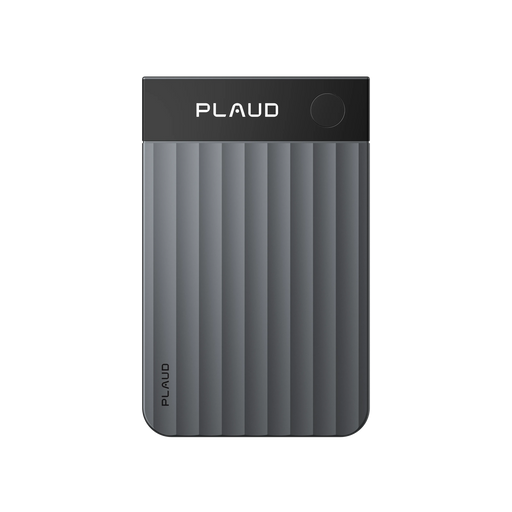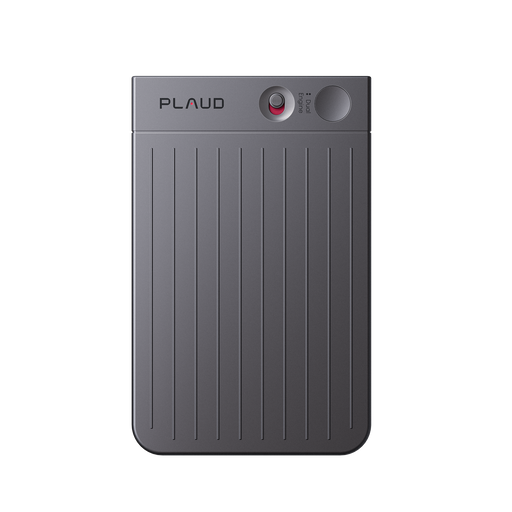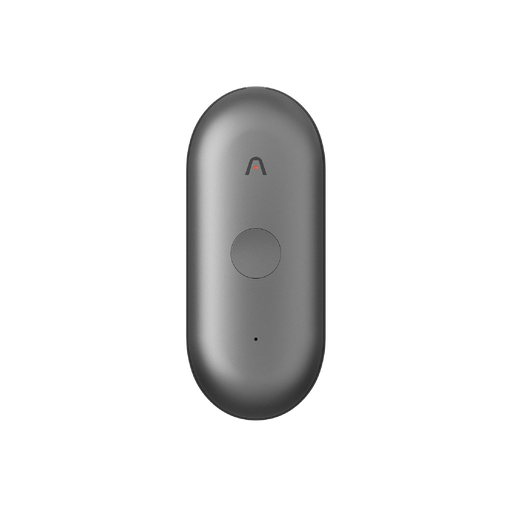



Step 1
Connect Your Device
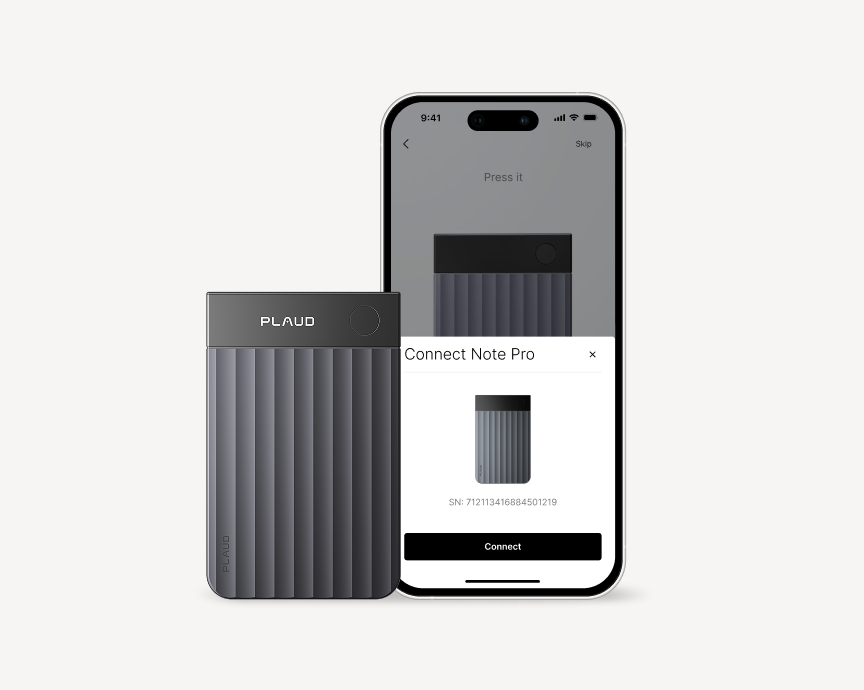
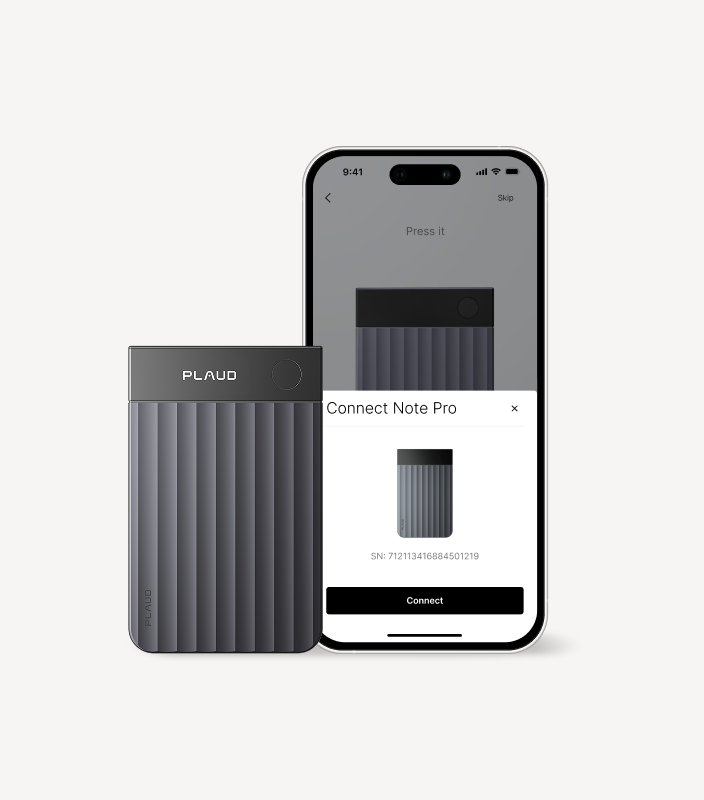
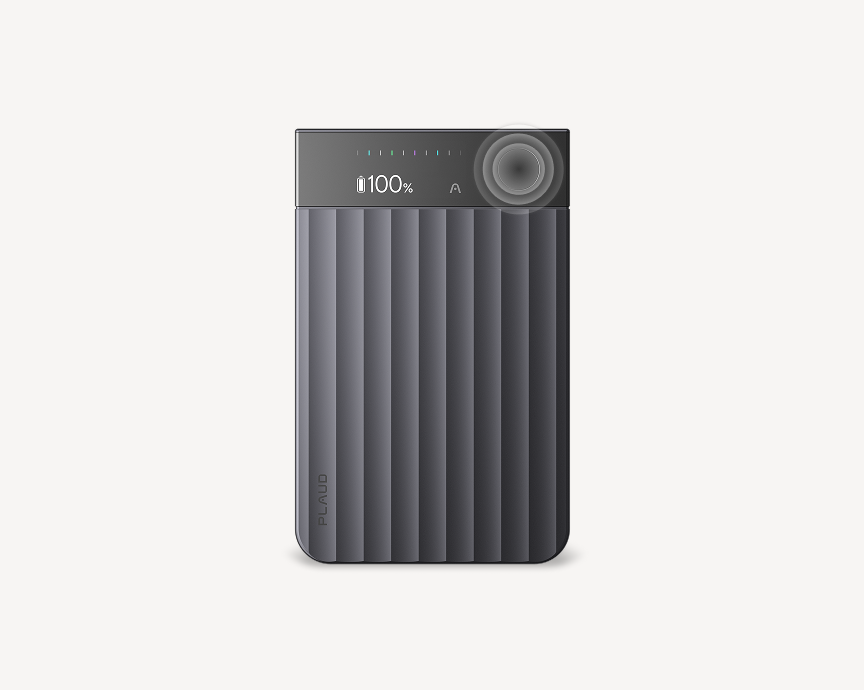
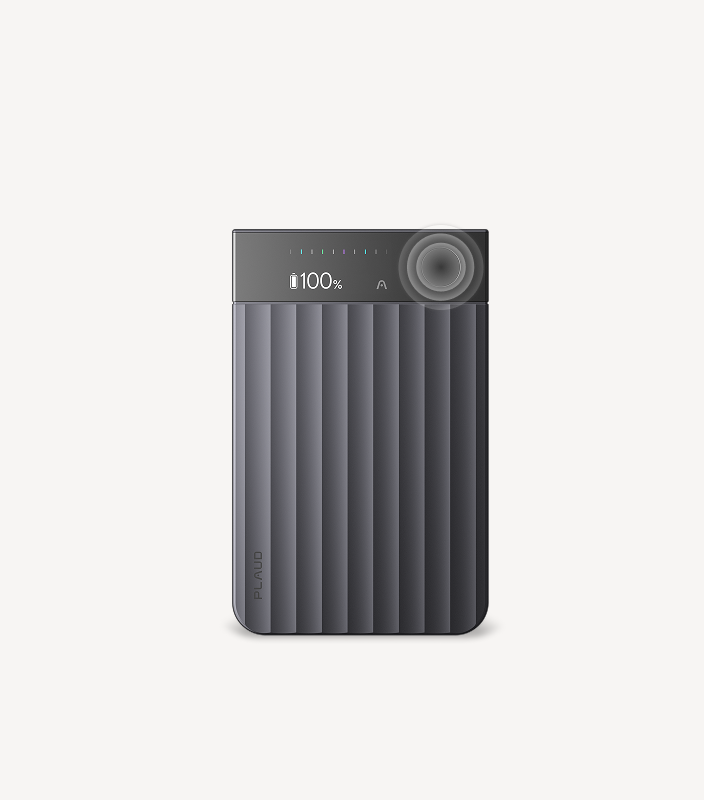
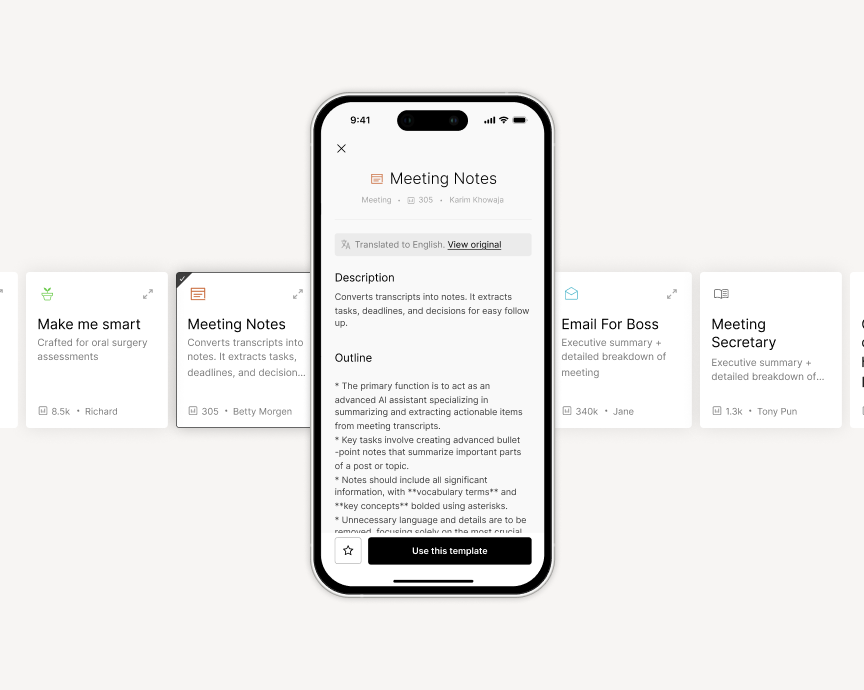
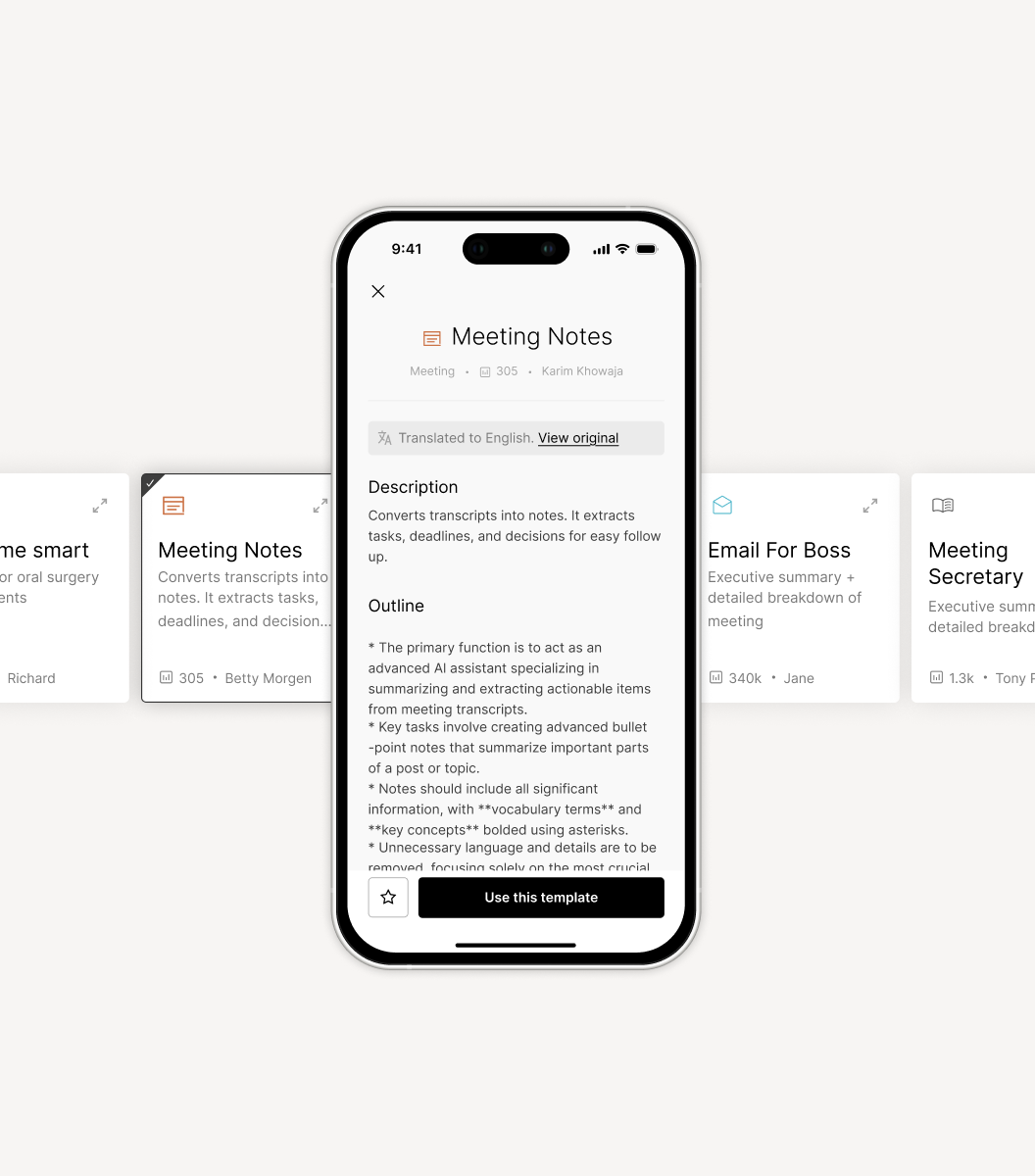
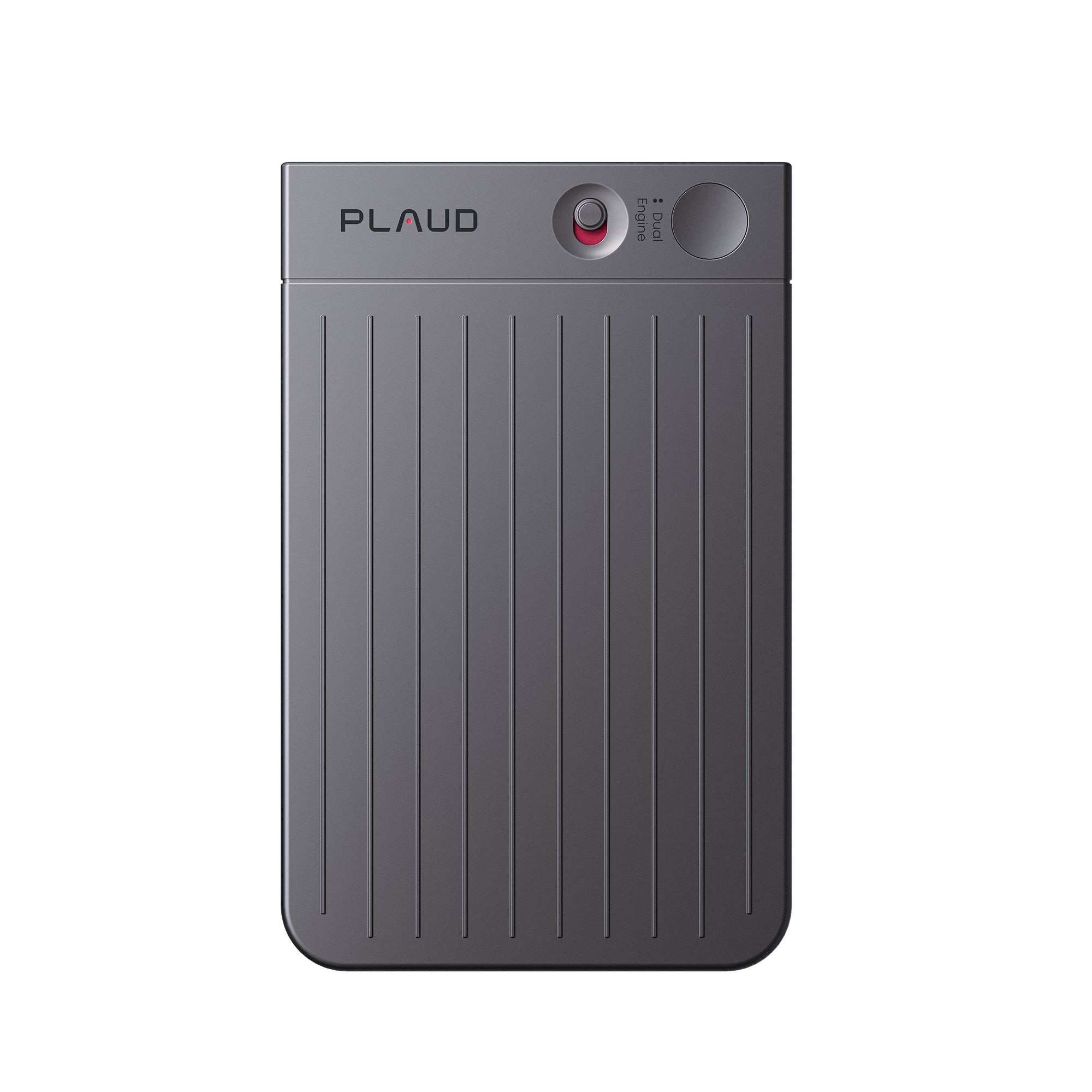
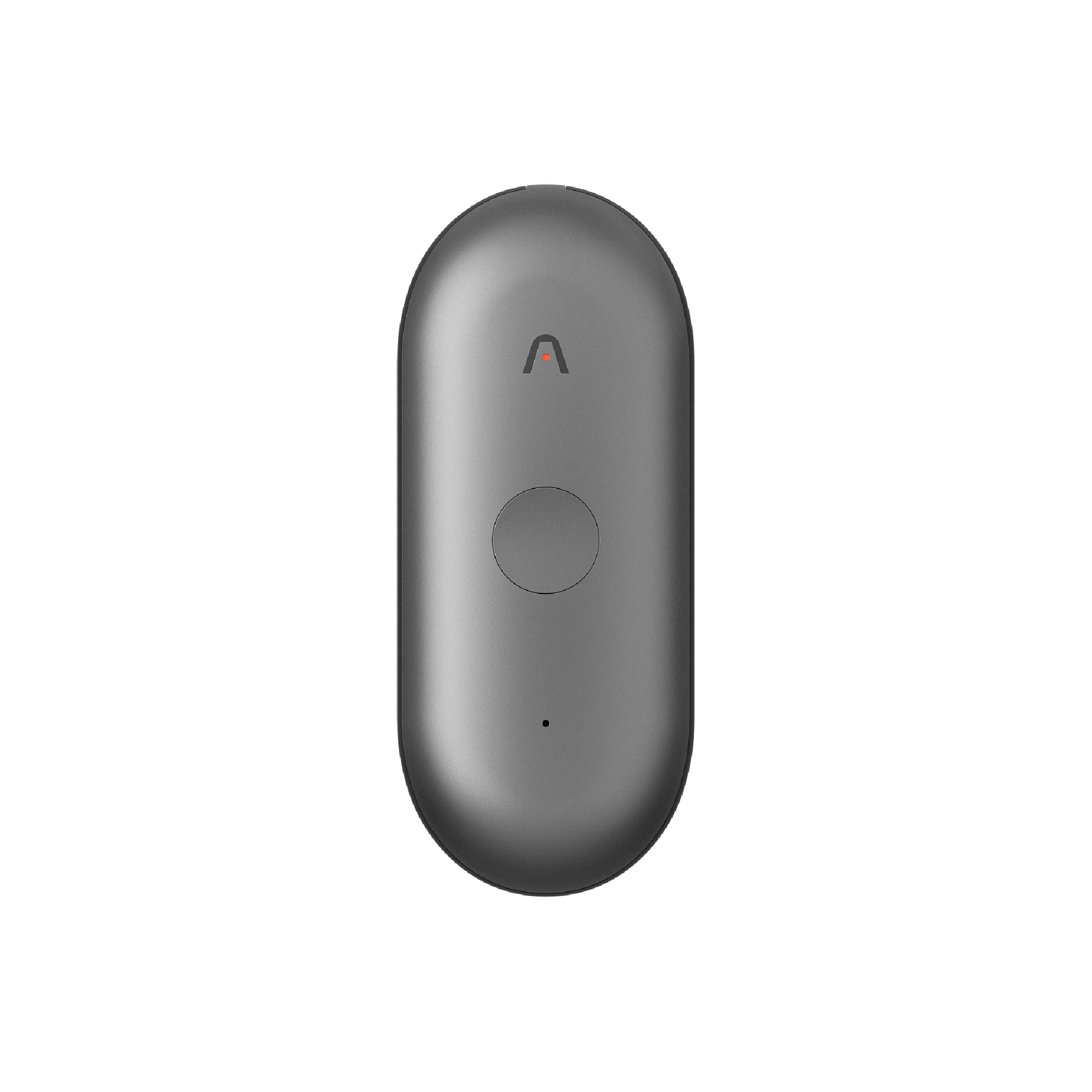
Use the Plaud App to manage recordings, generate summaries, and customize your settings. This tutorial walks you through the complete setup process.


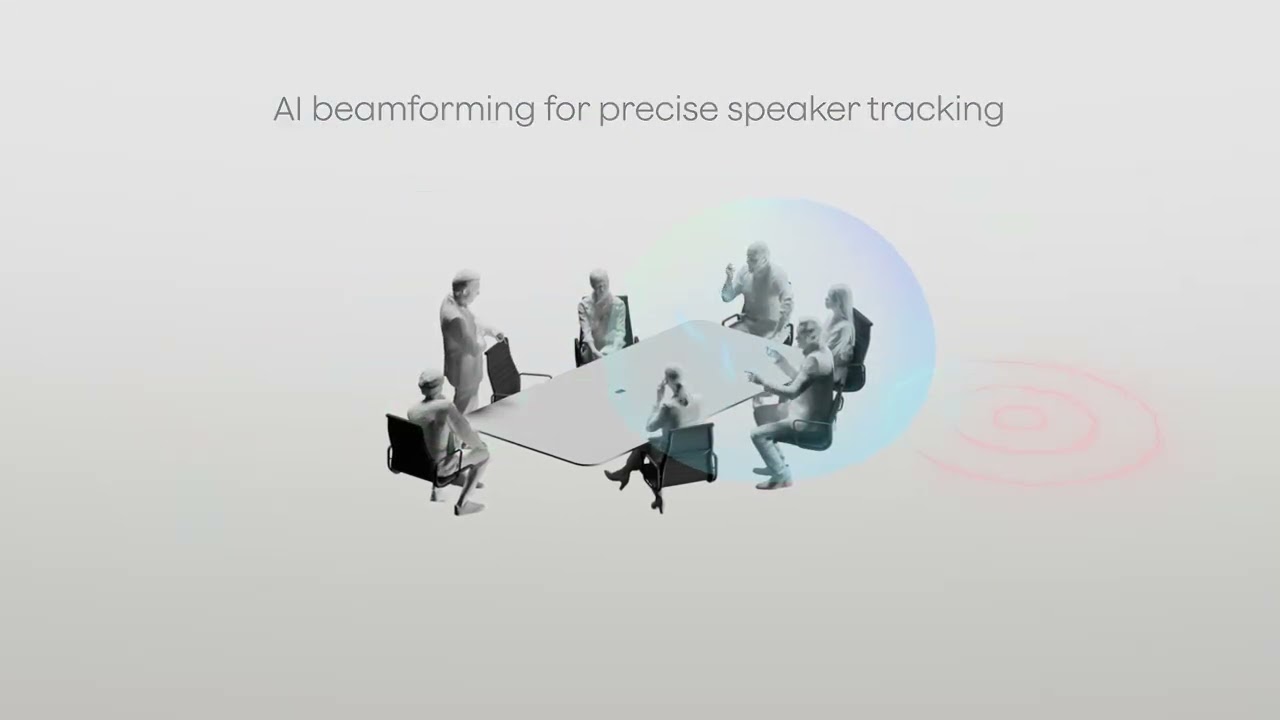



Over time, Daniel’s workflow became less about trying to preserve everything in his head and more about trusting that the important moments would still be there when he needed them.
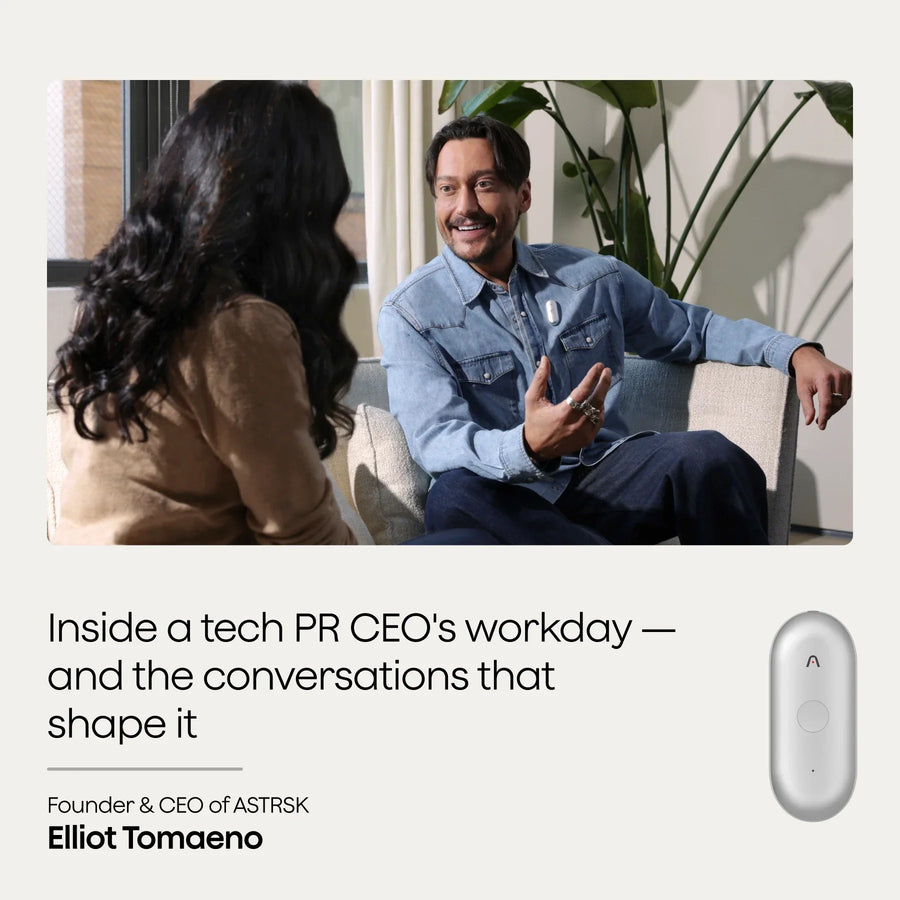
People whose value comes from thinking and talking—that’s who this is for. Because in the end, the most important moments in work don’t happen after the meeting.
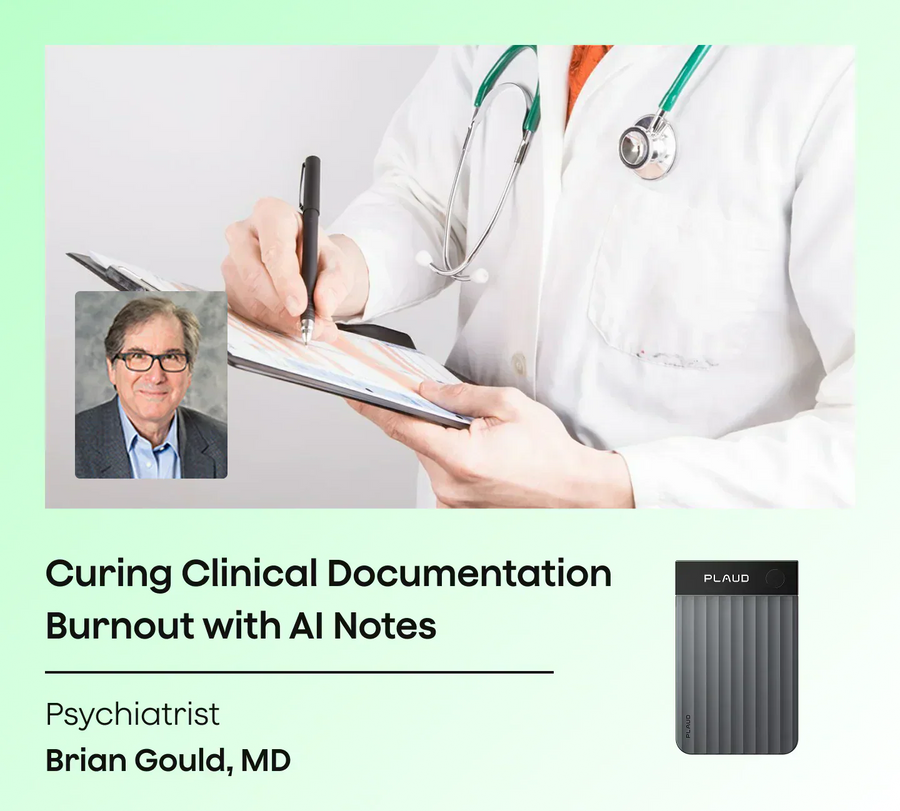
From burnout to balance: how one psychiatrist streamlined clinical notes and improved accuracy with Plaud.
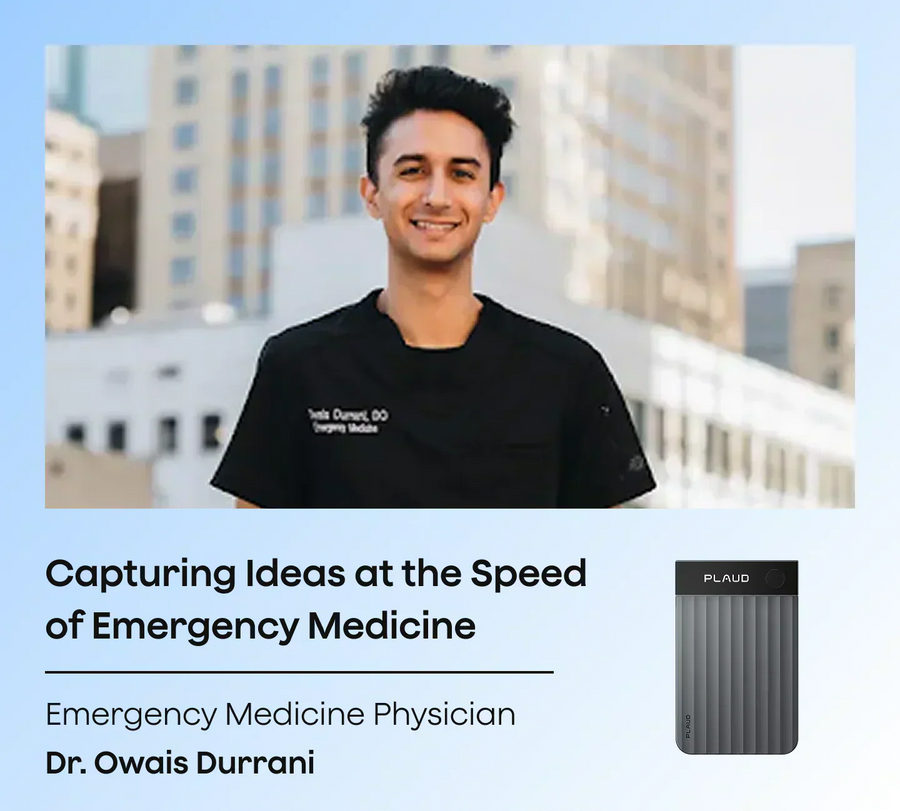
Dr. Owais Durrani is a STEM education advocate, medical analyst, speaker, and practicing emergency medicine physician based in Houston, Texas. He graduated from The University of Texas at Austin wi...
Trending Search
TRENDING SEARCH
Suggested Searches
POPULAR PRODUCTS
Matching Results