

Wat is er nieuw - Plaud
Release-opmerkingen
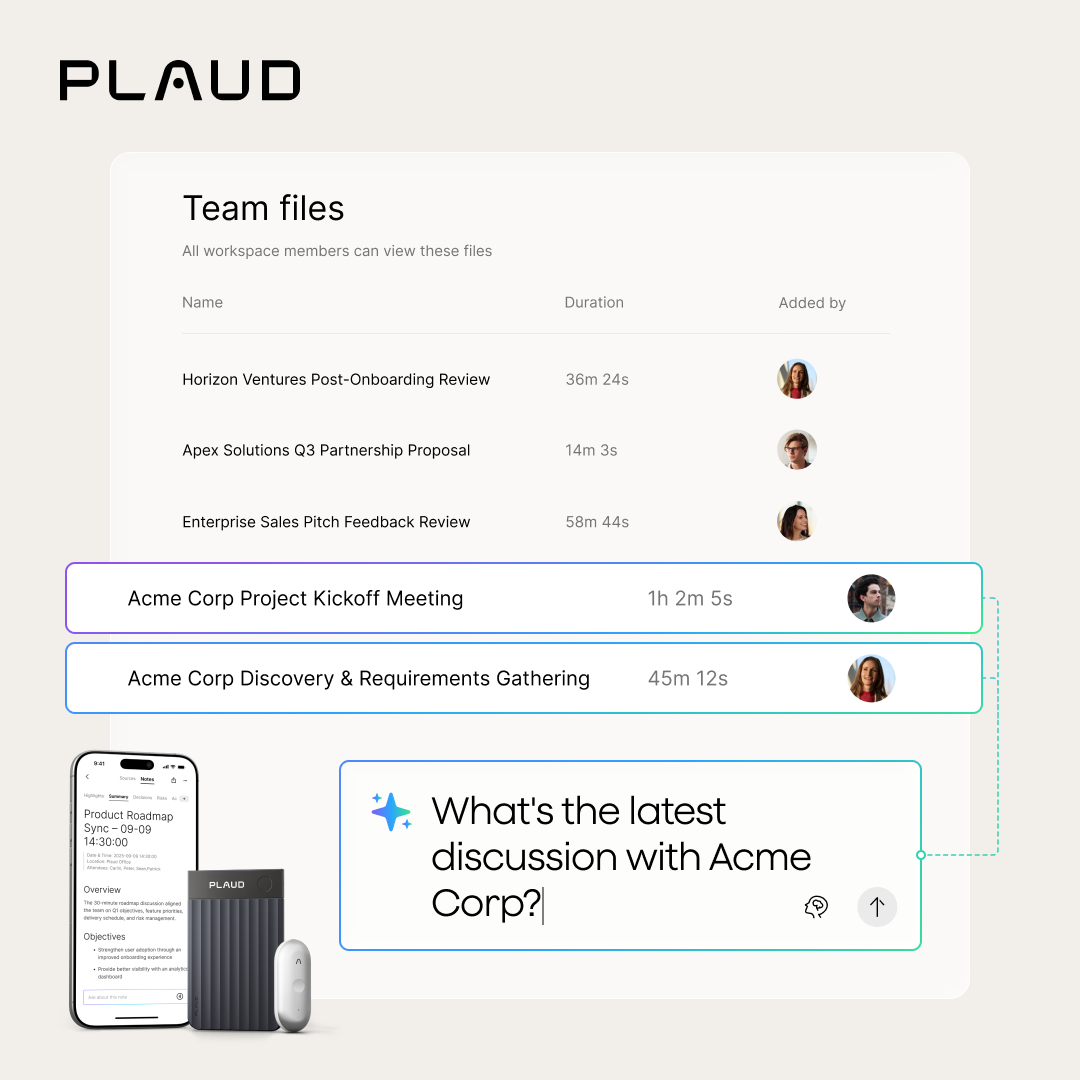
Een Team-werkruimte heeft een gedeelde map 'Team bestanden' voor opnames, transcripten en samenvattingen, met zichtbaarheid voor het hele team. Werk eenvoudig samen zonder extra configuratie.
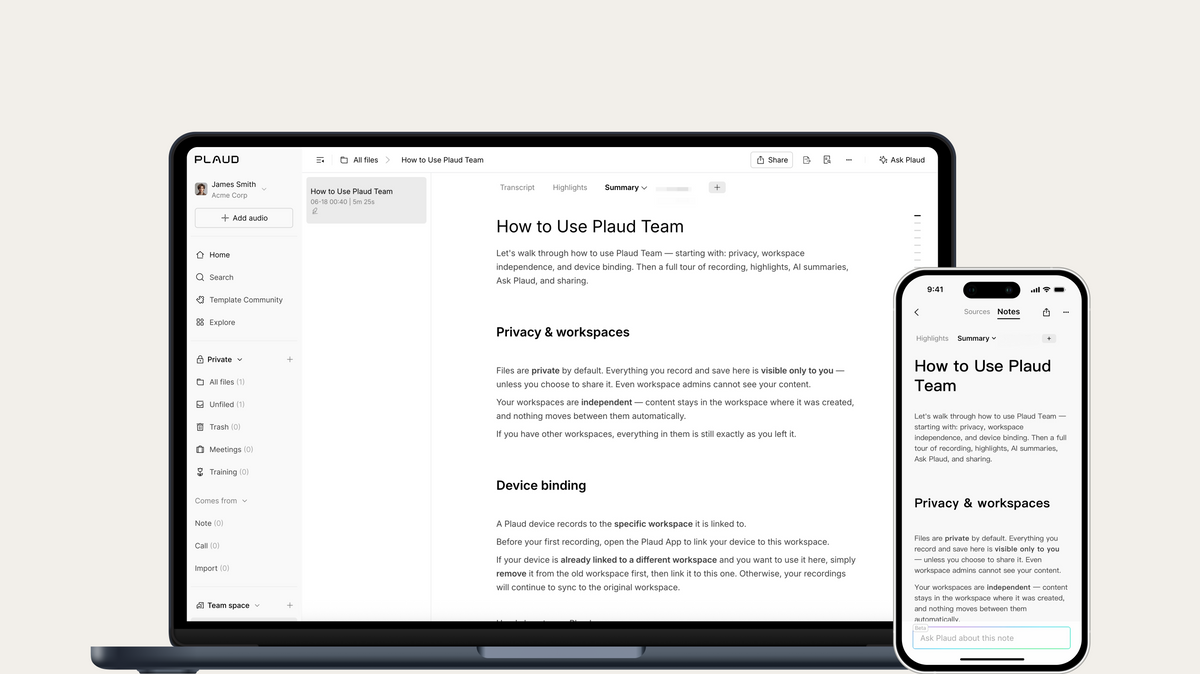
Elke nieuwe Team-werkruimte wordt geopend met een ingebouwde welkomstgids over privacy, werkruimte-instellingen, zitplaatsrechten en apparaatkoppeling.
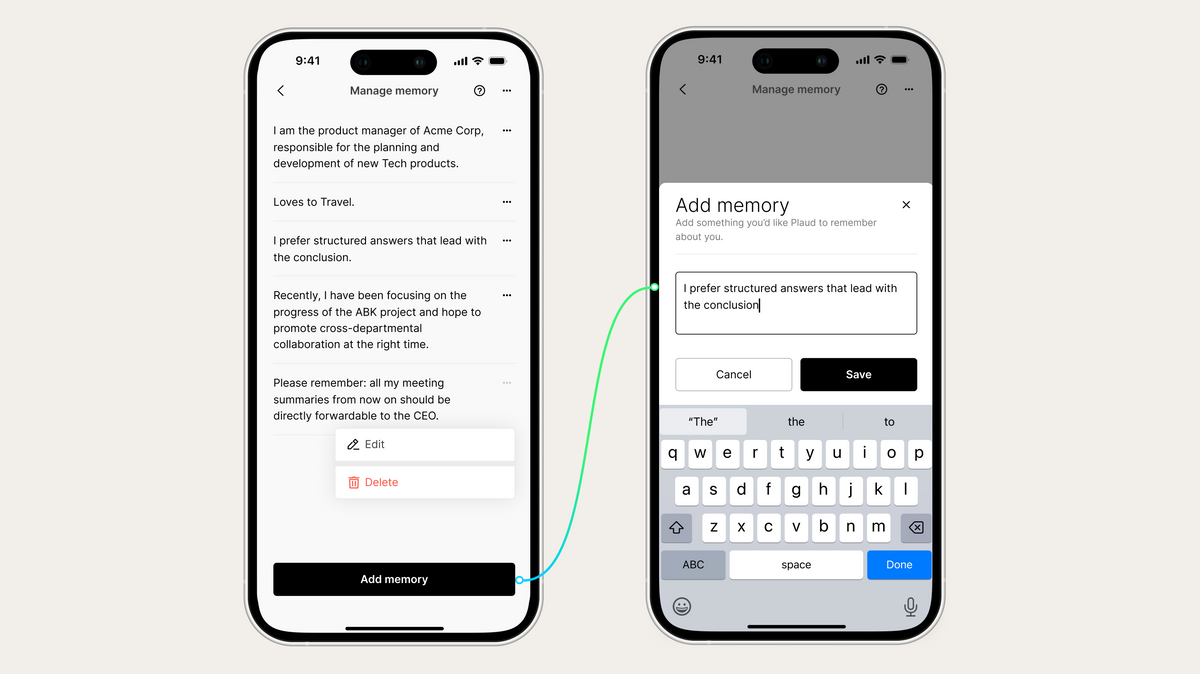
Dankzij Geheugen kan Plaud leren en onthouden hoe u werkt: uw rol, branche, voorkeursantwoordindeling en persoonlijke instructies zoals 'begin met conclusies' of 'gebruik altijd opsommingstekens'. Hoe meer u Plaud gebruikt, hoe beter elke reactie wordt afgestemd. U kunt alles bekijken, bewerken of verwijderen via Instellingen > Personalisatie > Geheugen beheren.
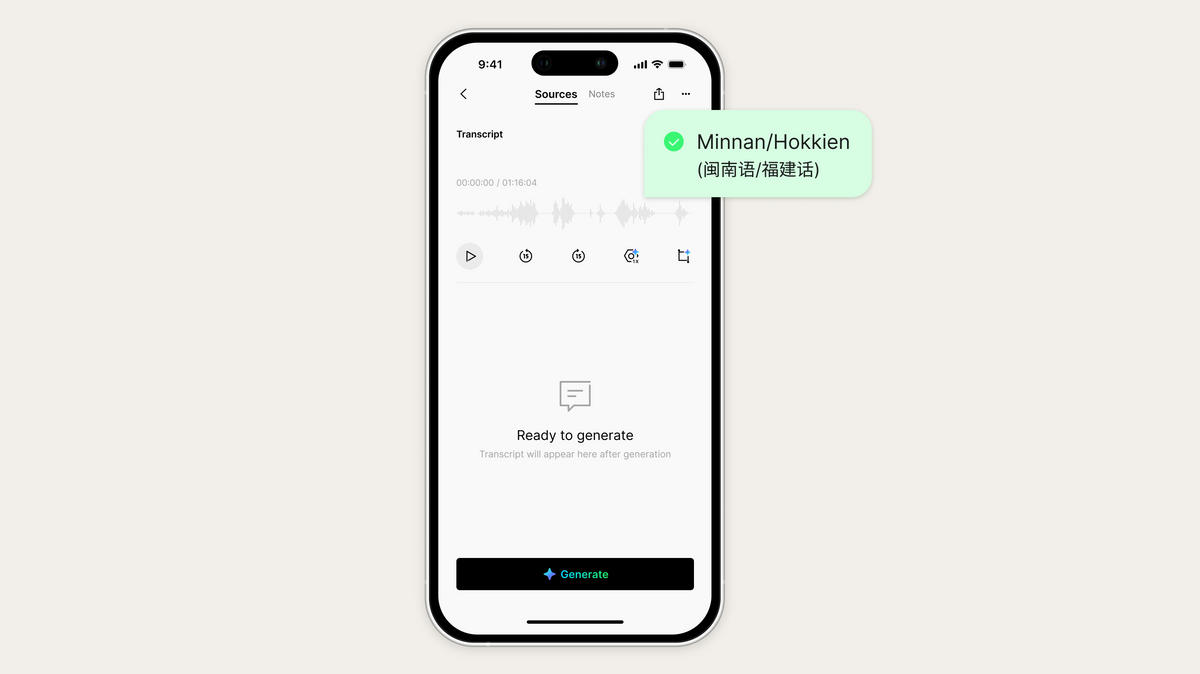
Neem op in Minnan en Plaud transcribeert, labelt en vat het nauwkeurig samen, met volledige ondersteuning in zowel automatische als aangepaste generatie.
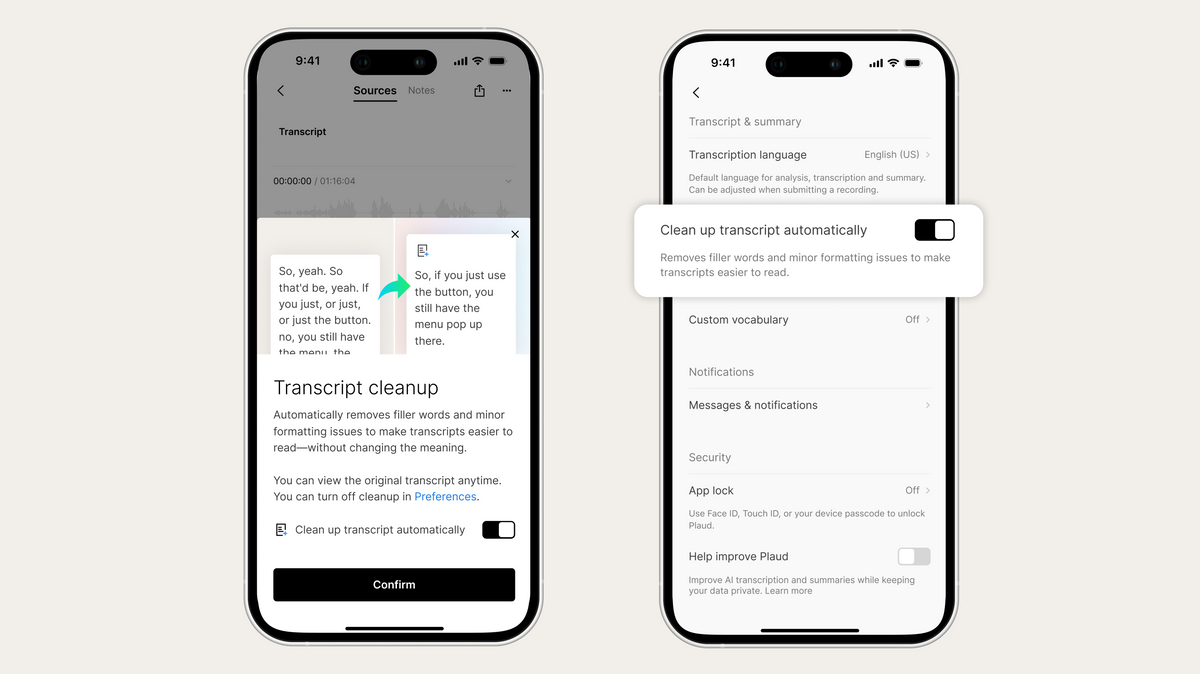
Automatisch polijsten verwijdert stopwoordjes, verbetert ongemakkelijke zinsneden en maakt uw transcriptie schoon op het moment dat het wordt gegenereerd, zonder de betekenis te veranderen. De originele transcriptie is altijd één tik verwijderd, en het gebruikt nooit uw transcriptieminuten.
-
Audiomanagement Audio-exporten zijn nu standaard MP3 voor feilloze compatibiliteit met oudere besturingssystemen en hulpmiddelen.
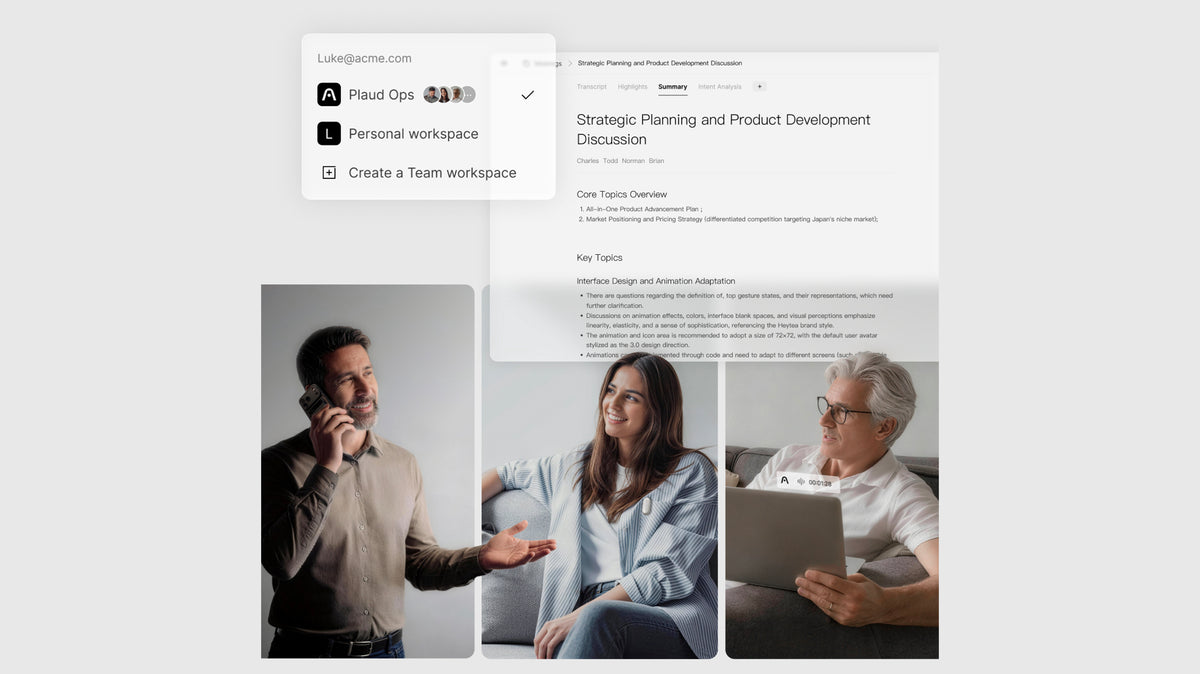
We maken teamwork gemakkelijker en administratie eenvoudiger. Breng uw team samen in één werkruimte om snel vergaderinzichten te delen en iedereen op één lijn te houden. Allemaal met het gemak van gecentraliseerde facturering en beheerderscontroles.
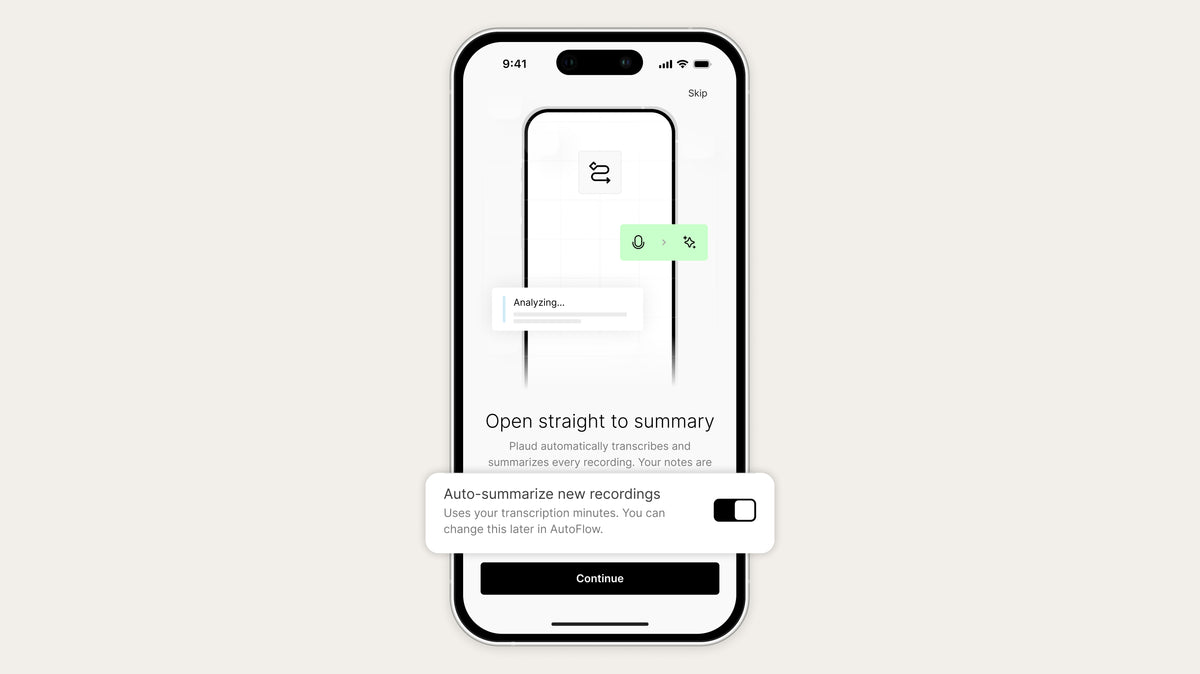
Om nieuwe gebruikers op weg te helpen, worden opgenomen gesprekken direct getranscribeerd, zodat je je kunt concentreren op het gesprek en niet op het maken van aantekeningen. Je kunt deze functie eenvoudig uitschakelen tijdens je snelle welkomsttour of op elk gewenst moment in je Instellingen.
-
Introductieproces Ons vernieuwde introductieproces leidt u door uw eerste opname en AI-samenvatting.
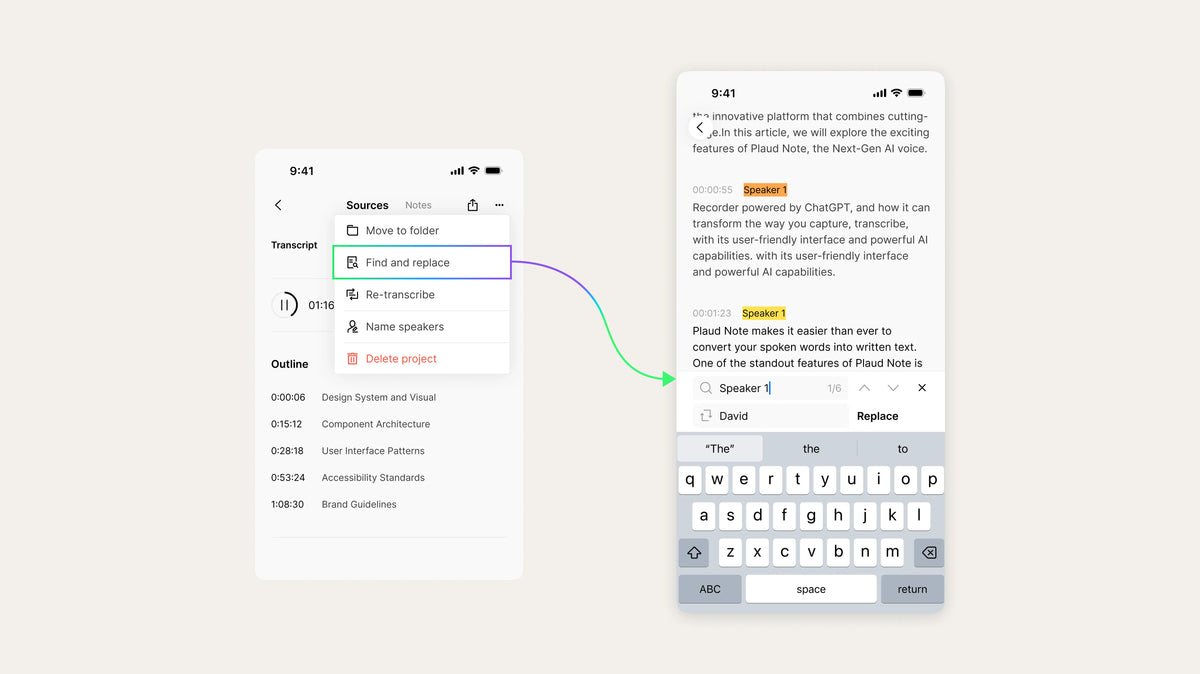
Zoeken en vervangen ondersteunt nu het zoeken en vervangen van sprekernamen voor eenvoudiger bewerken. Dit werkt voor zowel Plaud Web als de app.
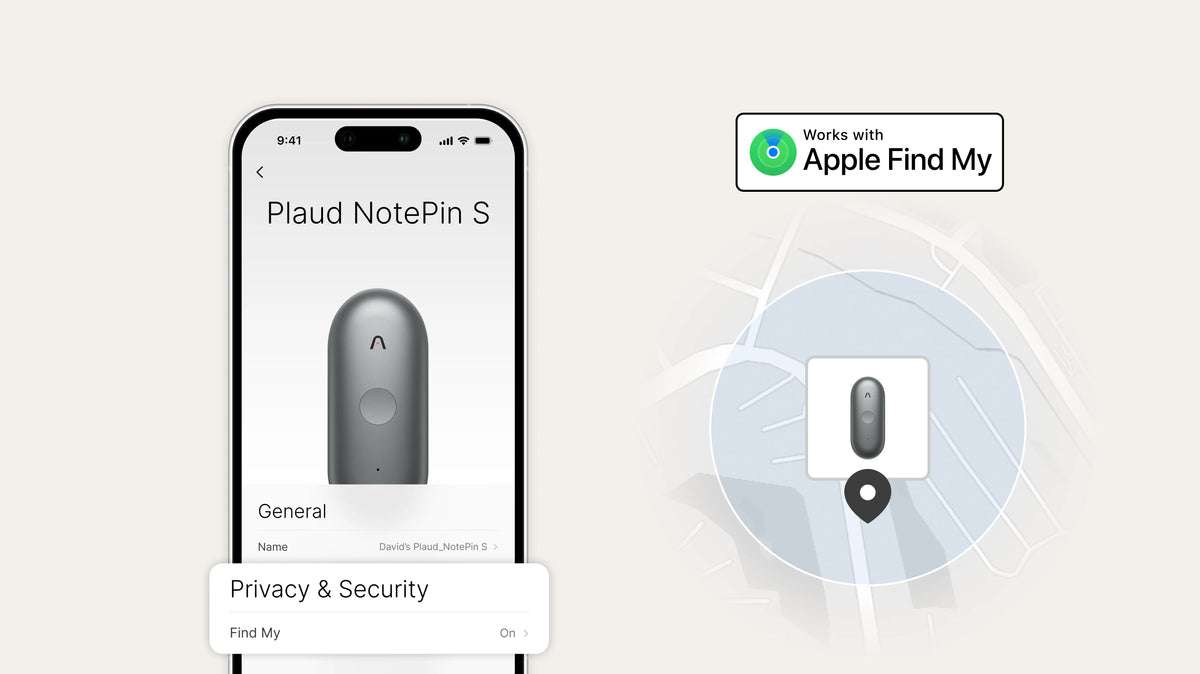
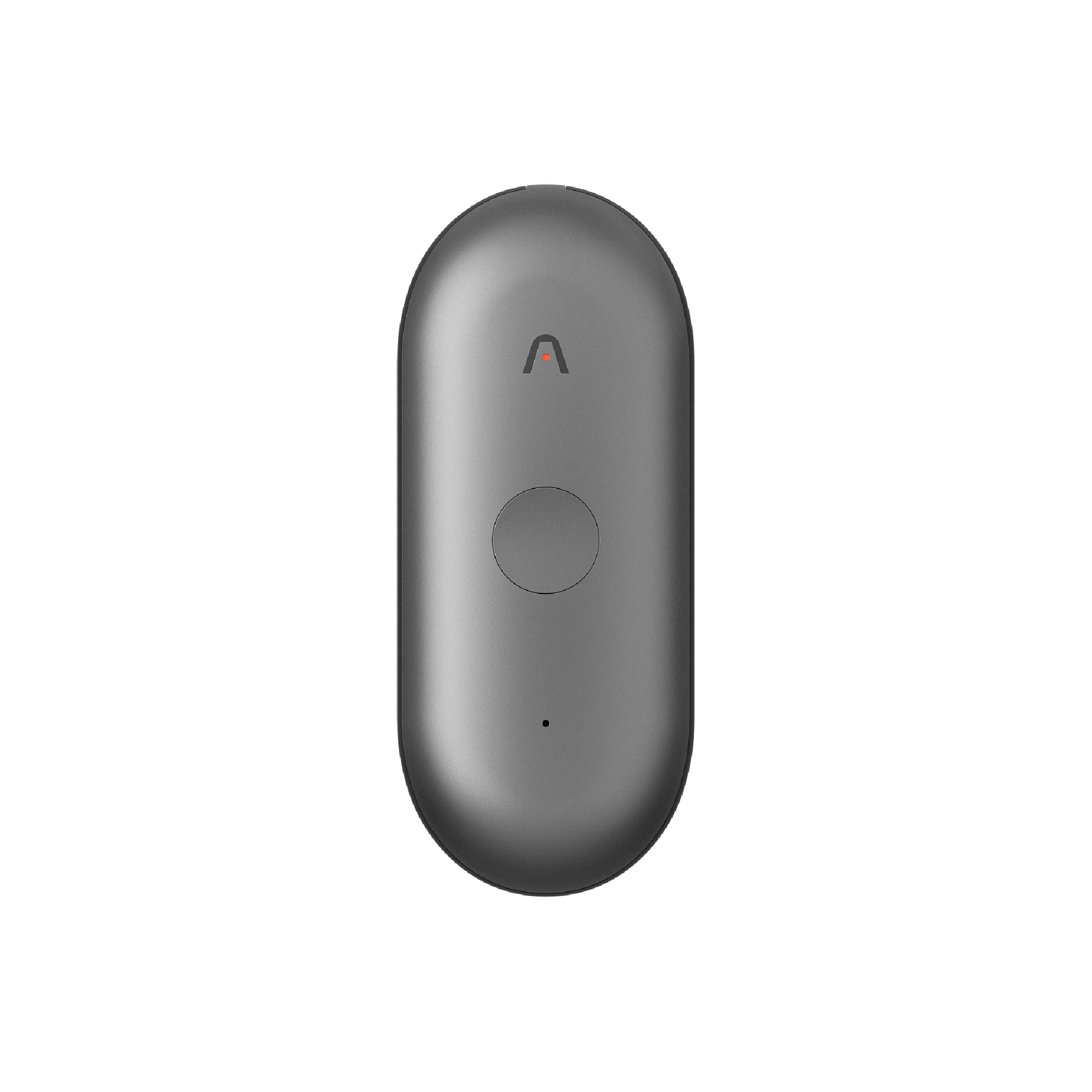
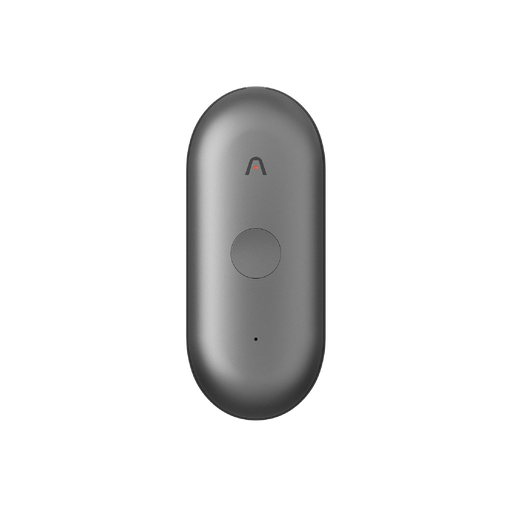
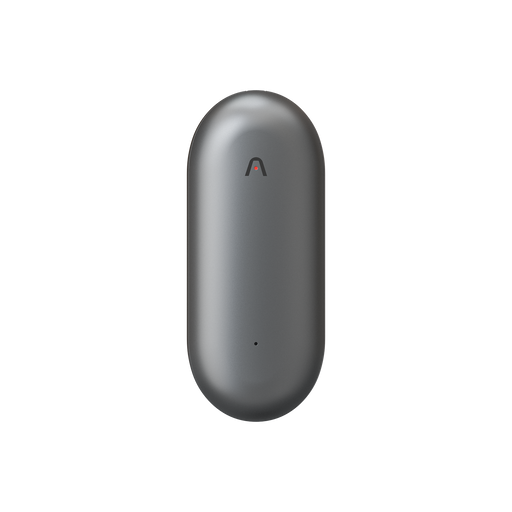
Plaud NotePin S ondersteunt nu Apple Zoek mijn, zodat je je nooit zorgen hoeft te maken over het kwijtraken van je apparaat. Eenmaal ingeschakeld in de Plaud-app, kan je NotePin S worden toegevoegd onder het tabblad 'Items' in Zoek mijn op je iPhone, iPad of Mac, waar je de locatie ervan op de kaart kunt controleren.
-
Audiobeheer De tijdstempels van je audiobestanden in je Plaud-app zijn nu aangepast aan de taal-/regio-instellingen en 12/24-uursinstellingen van je apparaat.
-
Multimodale invoer Foto's die zijn gemaakt in Opname Hoogtepunten zijn nu duidelijker, met verbeterde leesbaarheid en minder wazige tekst.

De Plaud Note Pro kan nu worden gelokaliseerd met de Apple Zoek Mijn-app, waardoor u uw apparaat op elk moment gemakkelijker kunt traceren. Voeg uw apparaat toe aan Zoek Mijn en bekijk de locatie ervan rechtstreeks vanaf uw iPhone, iPad of Mac.
*Vereist firmwareversie 1.5.

Twee-staps verificatie is nu beschikbaar voor e-mailinloggings. Eenmaal geactiveerd, is een verificatiecode vereist na het invoeren van uw wachtwoord. Schakel het in uw accountinstellingen in voor een sterkere beveiliging.

Meldingen voor een lage batterij zijn nu beschikbaar om gemiste opnames te voorkomen wanneer de batterij van uw Plaud-apparaat bijna leeg is. Schakel deze functie in uw voorkeuren in om op de hoogte te blijven.
-
Plaud Web Ondersteunt nu Cmd/Ctrl+klik om bestanden, zijbalkitems, het Lidmaatschapscentrum en meer in een nieuw tabblad te openen.
-
Audiobeheer Samengevoegde opnames gebruiken nu het tijdstempel van het vroegste bestand, wat het organiseren van inhoud vergemakkelijkt op basis van wanneer het daadwerkelijk plaatsvond.
-
Apparaatbeheer Geschatte resterende opnametijd toegevoegd op de pagina voor apparaatbeheer voor snelle controles van de resterende tijd. Alleen ondersteund op Plaud Note Pro en Plaud NotePin S.
Plaud Desktop detecteert vergaderingen op belangrijke platforms zoals Zoom, Google Meet en Teams en legt deze in realtime vast zonder een bot. Notities blijven georganiseerd en toegankelijk in de Plaud App en Plaud Web.

Vraag Plaud ondersteunt nu Vaardigheden. Kies uit meer dan 15 ingebouwde vaardigheden of creëer tot 10 aangepaste vaardigheden met behulp van uw eigen prompts. Vaardigheden zijn georganiseerd in Aanbevolen, Mijn Vaardigheden en Alle Vaardigheden voor gemakkelijkere toegang.

Plaud Desktop breidt onze intelligentie uit van offline naar online. Het detecteert automatisch wanneer een videovergadering begint op Zoom, Google Meet of Teams en legt deze in realtime vast, veilig en geheel zonder bot. Nu kunt u uw vergadervorderingen opzoeken en toegang krijgen tot vergaderinhoud via de Plaud-app en Plaud-web.

Mijn Werkruimte brengt uw veelgebruikte, favoriete en persoonlijke sjablonen samen in één gerichte ruimte, waardoor u gemakkelijker verder kunt werken zonder te hoeven zoeken. Ontdekken blijft de plek voor het verkennen van meer dan 10.000 communitysjablonen in verschillende sectoren.

Aangepaste sjablonen zijn nu standaard privé en kunnen direct na het aanmaken worden gebruikt. Gebruikers kunnen hun sjablonen op elk moment bewerken, publiceren of verwijderen, zonder vertragingen door beoordelingen. Dit geeft gebruikers volledige controle en sneller toegang tot de sjablonen die zij voor hun werk nodig hebben.


Met Betrouwbaar Delen kunt u audio, transcripten, samenvattingen of hoogtepunten delen, terwijl u de volledige controle behoudt. U kunt bepalen wie toegang krijgt, wat ze zien en hoe lang het beschikbaar is, zodat informatie gemakkelijk en veilig wordt gedeeld.
-
AI-spraakverbetering Nu beschikbaar op Plaud Web. Verbetert de spraakkwaliteit voor helderdere weergave.
-
Bestand zoeken Nu beschikbaar op Plaud Web. Maakt zoeken door alle in de cloud gesynchroniseerde bestanden mogelijk.
Plaud Desktop breidt onze intelligentie uit van offline naar online. Het detecteert automatisch wanneer een videovergadering begint op Zoom, Google Meet of Teams en legt deze in realtime vast, veilig en volledig zonder bot. Nu kunt u uw vergaderingsvoortgang opzoeken en toegang krijgen tot vergaderingsinhoud via de Plaud-app en Plaud-web.
Mijn Werkruimte brengt uw veelgebruikte, favoriete en persoonlijke sjablonen samen in één gerichte ruimte, waardoor het gemakkelijker wordt om uw werk voort te zetten zonder te hoeven zoeken. Ontdekken blijft de plek voor het verkennen van meer dan 10.000 community-sjablonen uit verschillende sectoren.
-
Sjablonen Geoptimaliseerde laadsnelheid en voorvertoning bij het schakelen tussen community- en aangepaste sjablonen
-
Vraag Plaud Verfijnde opmaak van antwoorden om belangrijke conclusies en actiepunten in één oogopslag beter scanbaar te maken.
-
App Prestaties Verminderde laadtijd bij het openen van grote bestanden en verbeterde algehele stabiliteit tijdens intensieve AI-verwerking.
Plaud Desktop breidt onze intelligentie uit van offline naar online. Het detecteert automatisch wanneer een videovergadering begint op Zoom, Google Meet of Teams en legt deze in realtime, veilig en volledig zonder bot vast. Nu kunt u uw vergadervorderingen opzoeken en toegang krijgen tot vergaderinhoud via de Plaud-app en Plaud-web.
Mijn Werkruimte brengt uw veelgebruikte, favoriete en persoonlijke sjablonen samen in één gerichte ruimte, waardoor u gemakkelijker verder kunt werken zonder te hoeven zoeken. Ontdekken blijft de plek voor het verkennen van meer dan 10.000 community-sjablonen voor alle sectoren.
-
Sjablonen Geoptimaliseerde laadsnelheid en voorvertoning bij het schakelen tussen community- en aangepaste sjablonen
-
Vraag Plaud Verfijnde antwoordopmaak om hoofdconclusies en actiepunten sneller te kunnen scannen.
-
App Prestaties Verkorte laadtijd bij het openen van grote bestanden en verbeterde algehele stabiliteit tijdens intensieve AI-verwerking.